
HibikiDocumentation
[ 004 / 015 ]
Hibiki — Turn clicks into beautiful how-to guides.
Auto-screenshots at key moments, annotation, redact, organize, and export to PDF/HTML/Markdown — 100% local.
- Version
- 0.3.0
- Rating
- 5.0 (2)
- Category
- Documentation
- AI
- On-device
- Storage
- Local-first
Feel it before you add it
What Hibiki actually does
Do the task once
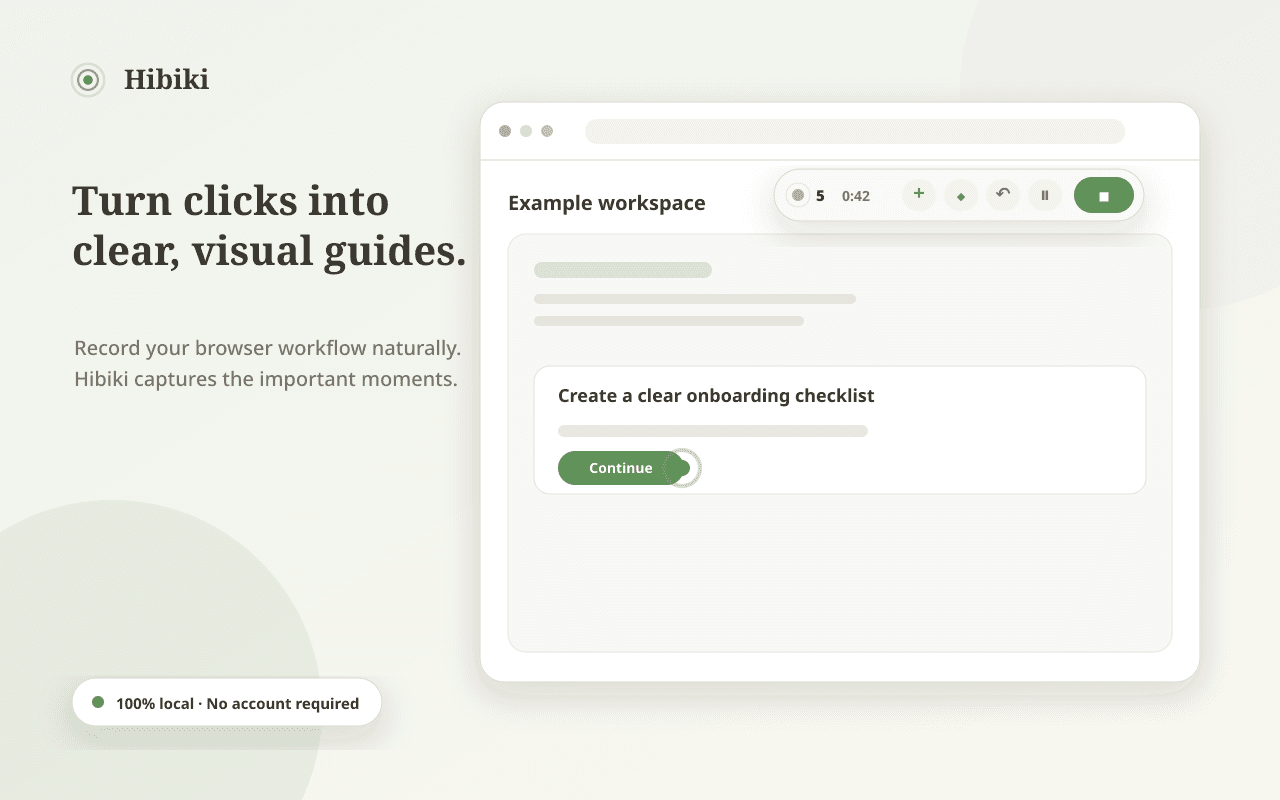
Hit record and just work. Hibiki watches for meaningful moments — clicks, inputs, navigations — and captures a clean screenshot at each step, automatically.
- Smart auto-capture at key interactions
- Floating HUD shows step count and timer
- Manual 'Capture Step' whenever you want
Annotate without the busywork
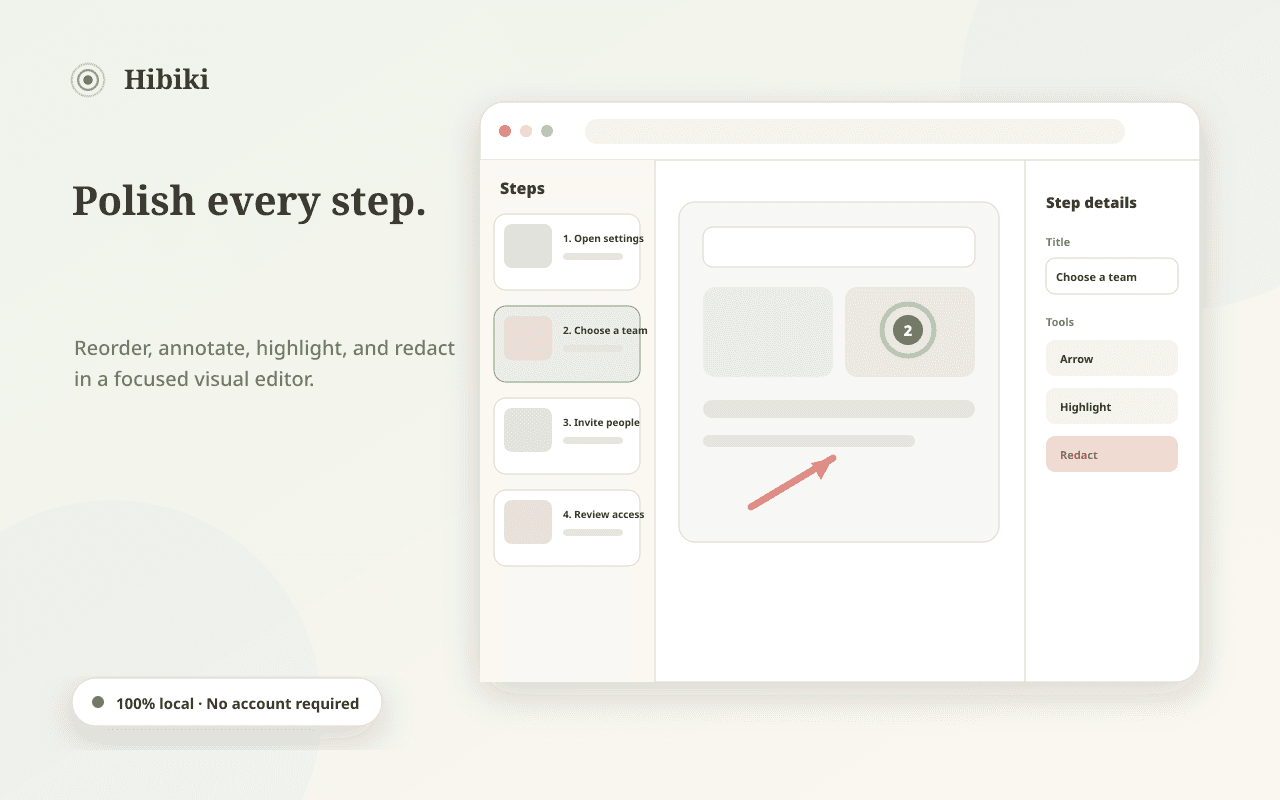
Every step arrives pre-cropped with the click point highlighted. Add arrows, blur secrets, rewrite captions — the guide practically writes itself.
- Arrows, highlights, and blur tools
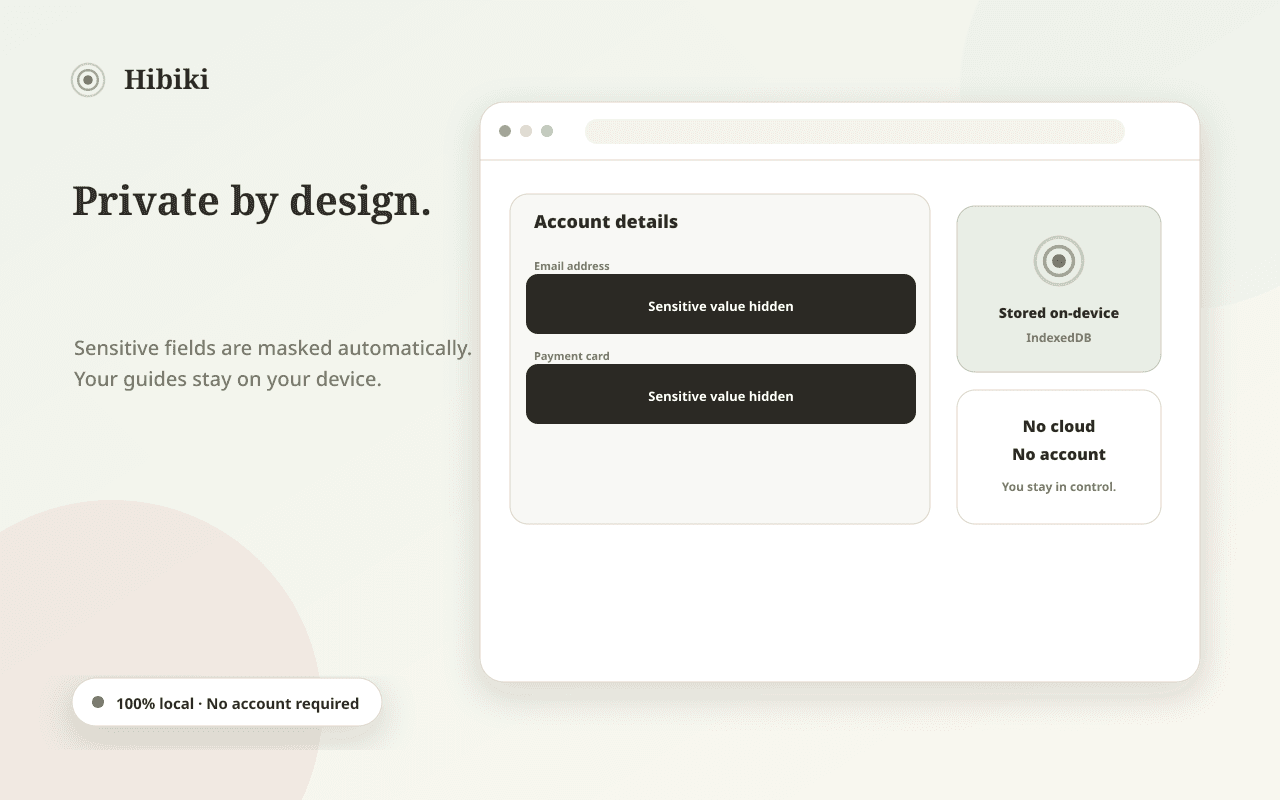
- Auto-masking of sensitive fields
- Reorder and merge steps freely
Every guide, findable
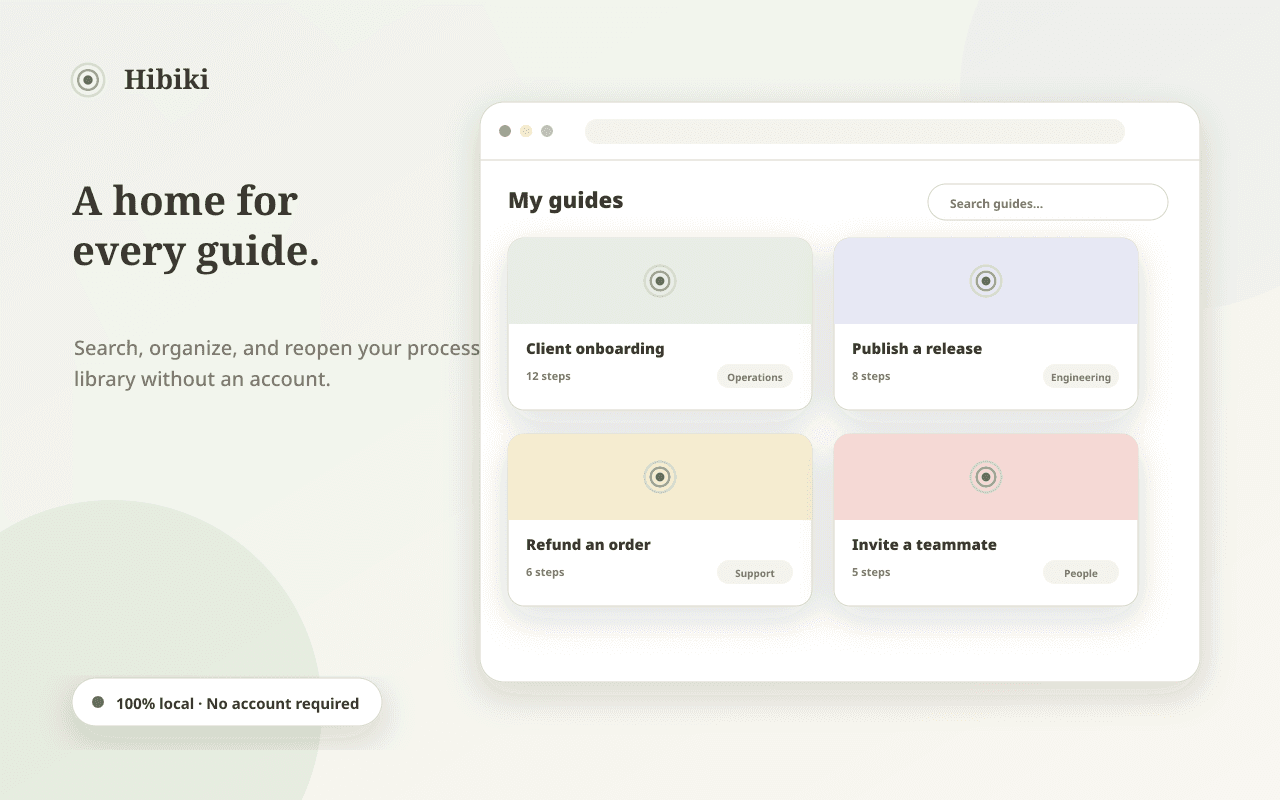
Guides live in a local library with full-text search across titles, captions, and even text inside screenshots via on-device OCR.
- OCR search inside screenshots
- Folders and tags
- Everything stored locally
Ship it anywhere
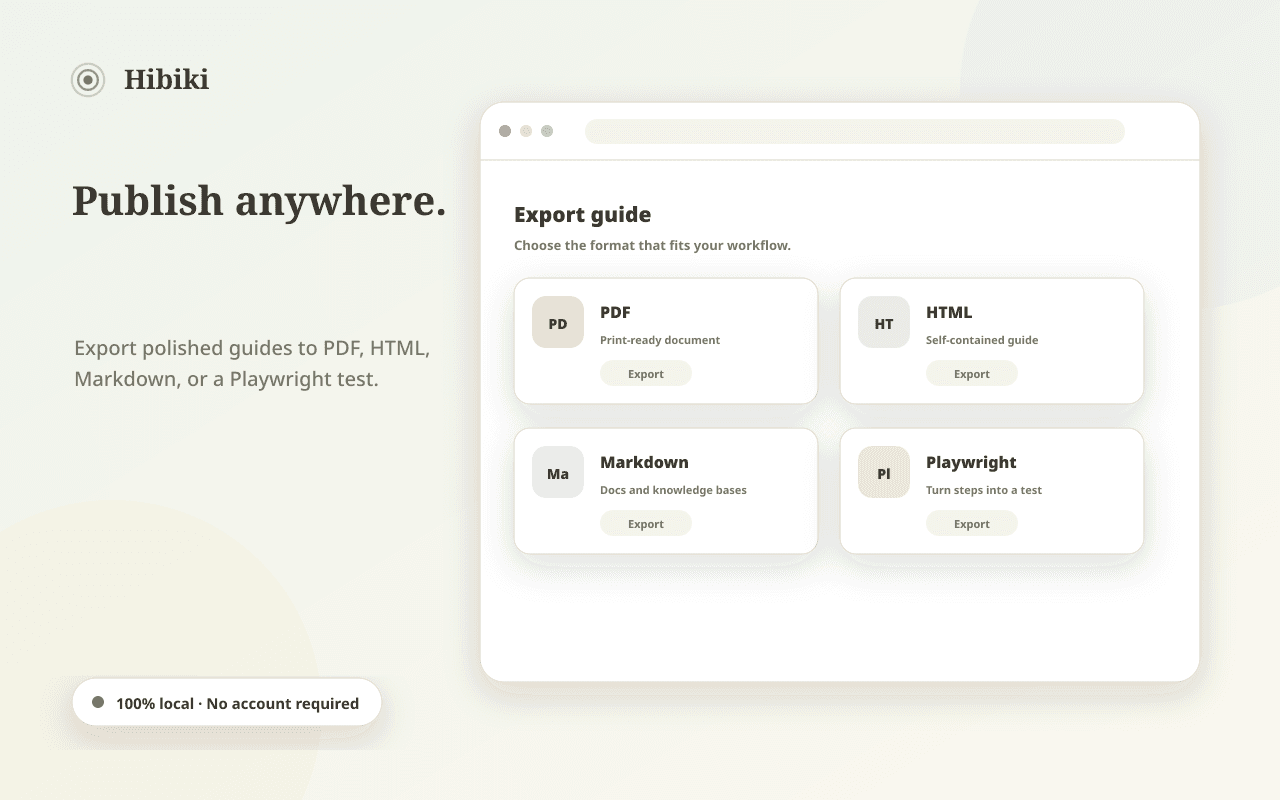
Export polished PDF, self-contained HTML, or clean Markdown. Hand a guide to a colleague, a wiki, or a docs site without reformatting.
- PDF, HTML, and Markdown export
- Playwright test export for QA teams
- Consistent, branded step styling
Present it live
Replay mode turns any guide into a step-through presentation — perfect for onboarding sessions and screen-share walkthroughs.
- Full-screen step-by-step replay
- Keyboard navigation
- Optional AI-enhanced captions via Ollama/WebLLM
The details that make Hibiki feel like Hibiki
Smart auto-capture
Screenshots at exactly the right moments.
Recording HUD
Floating step counter and timer.
Replay mode
Guides become presentations.
Playwright export
Guides become automated tests.
OCR search
Find text inside your screenshots.
Hibiki, up close
Not a policy summary. The actual behaviour.
Auto-masking hides passwords and sensitive fields before capture.
All guides, screenshots, and OCR indexes stay on your device.
No cloud, no accounts — AI enhancement runs via local Ollama or WebLLM.
Asked, answered
No — Hibiki captures still screenshots at meaningful moments, which makes guides lighter, editable, and privacy-safe.