
SatoriResearch
[ 011 / 015 ]
Satori — Read, annotate, and understand every PDF.
A local-first PDF workspace for Chrome. Read with focus, annotate precisely, reorganize and transform documents, and chat with the page using cited AI — all stored on your device, with no account.
- Version
- 1.2.2
- Rating
- 5.0 (1)
- Category
- Research
- AI
- On-device + BYOK
- Storage
- Local-first
Feel it before you add it
What Satori actually does
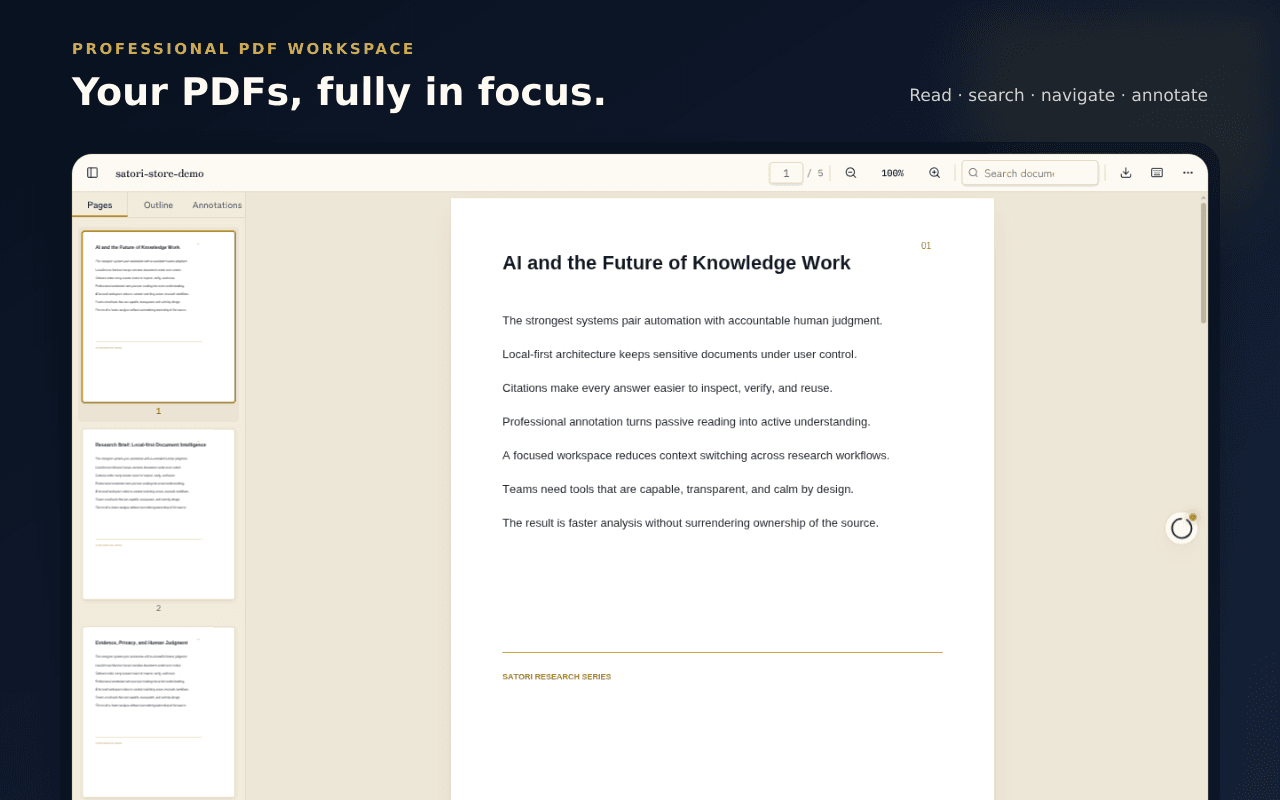
A workspace, not a viewer
Open any PDF in a full browser tab and read the way you think — continuous, single-page, or two-page. Thumbnails, outlines, search, zoom, rotate, and dark-page filtering keep long documents calm and navigable.
- Continuous, single-page, and two-page modes
- Thumbnails, outline, and full-text search
- Dark-page filtering and keyboard shortcuts
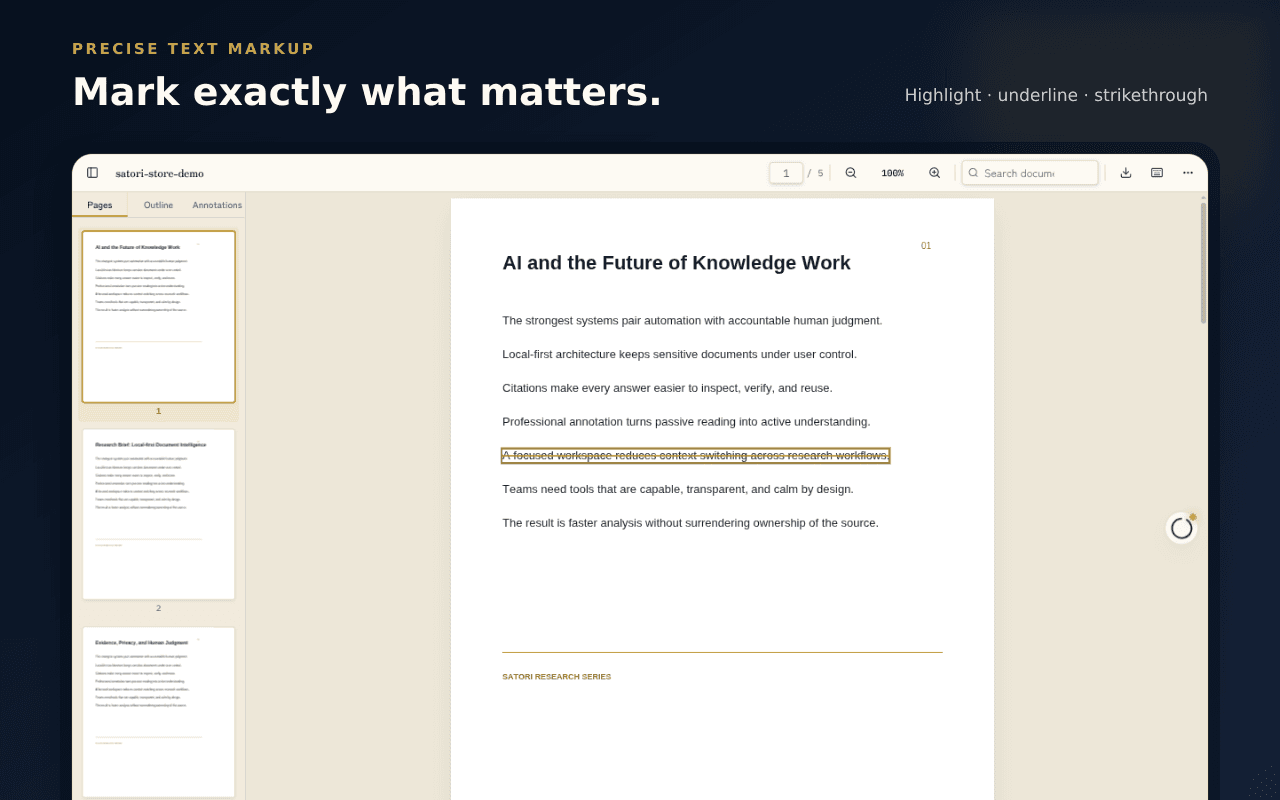
Mark it up like you mean it
Highlight, underline, and strikethrough real PDF text, then add notes, ink, shapes, arrows, and stamps. Fill forms, place saved signatures, undo and redo freely, and export a flattened annotated PDF when you're done.
- Highlight, underline, notes, ink, and shapes
- Fill forms and place signatures or initials
- Export annotated PDF or annotation data
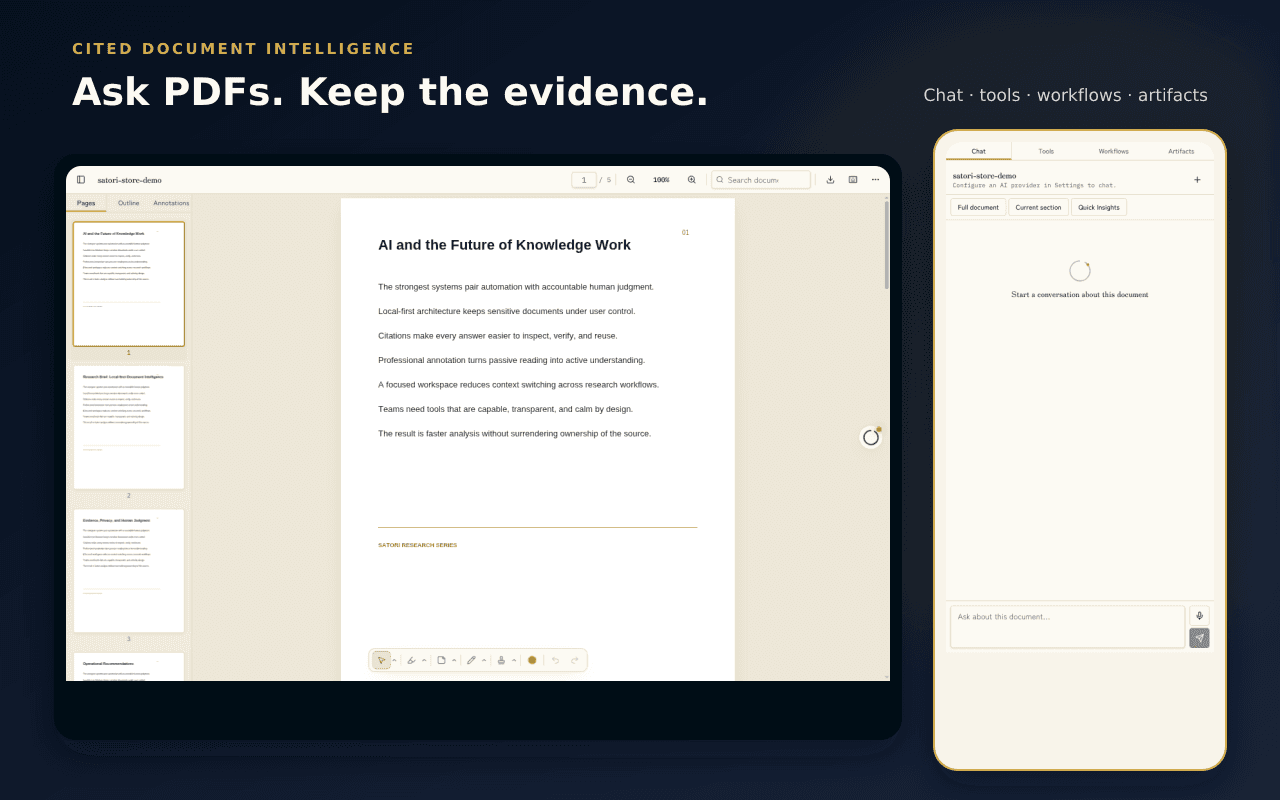
Chat with the document, get receipts
Open the side panel and chat with a PDF, summarize a section or the whole document, and follow every citation back to the exact page and passage. Turn dense reading into quizzes, flashcards, entity lists, and mind maps.
- Cited chat and section summaries
- Citations link back to page and passage
- Generate quizzes, flashcards, and mind maps
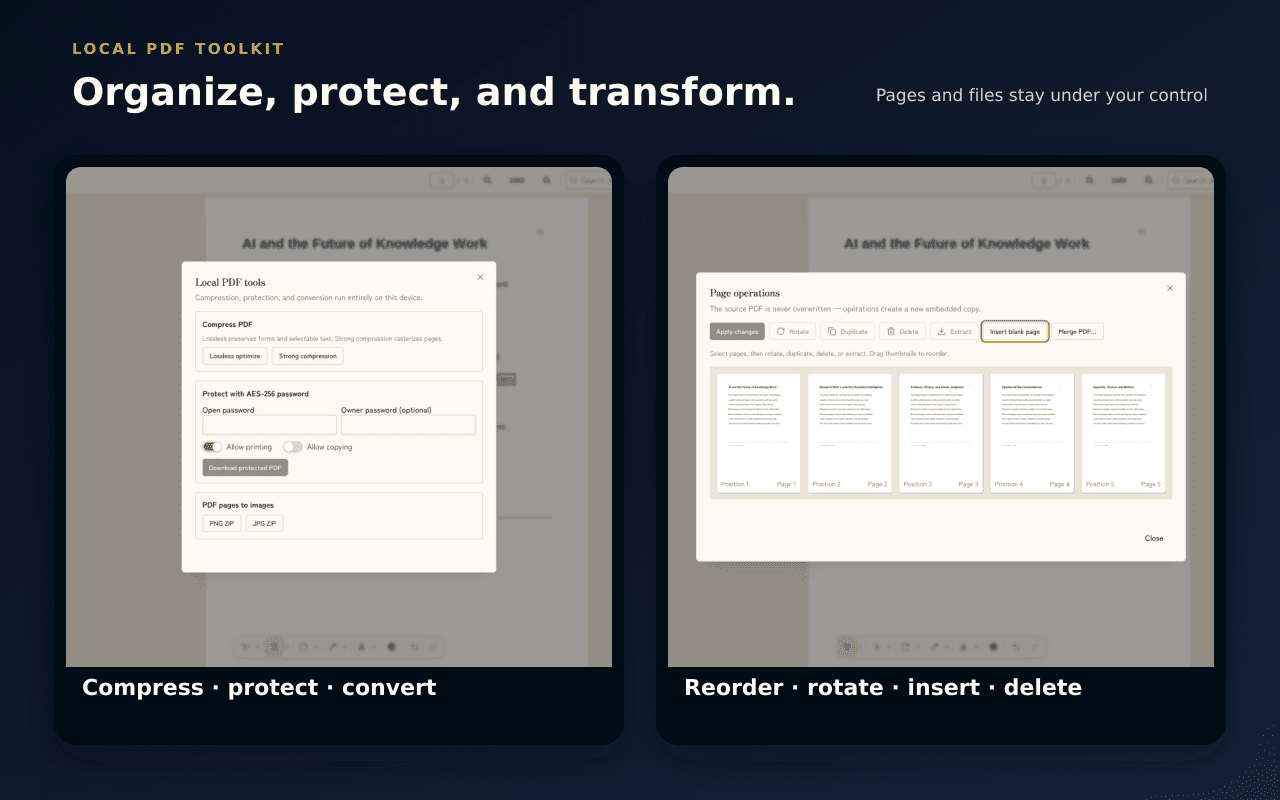
Rework the file itself
Reorder, rotate, duplicate, delete, insert, and merge pages, then compress or password-protect a copy — locally. Convert PDF pages to images, or build a new PDF from images and web pages.
- Reorder, merge, and edit pages
- Compress and password-protect copies
- Convert between PDFs and images
Your documents stay yours
PDFs, annotations, indexes, chats, and artifacts are stored on your device by default — no Satori account and no Satori telemetry. AI is optional; when you invoke it, content goes only to the provider you configured.
- On-device storage by default, no account
- AI providers are opt-in and user-configured
- Connect cloud providers or a local Ollama setup
The details that make Satori feel like Satori
Focused reading
Continuous, single, or two-page — your choice.
Precise annotation
Highlights, notes, ink, shapes, and signatures.
Cited chat
Every answer links back to the source page.
Study artifacts
Quizzes, flashcards, entity lists, and mind maps.
PDF tools
Reorder, merge, compress, and convert locally.
Local-first
On-device by default, no account, no telemetry.
Satori, up close
Not a policy summary. The actual behaviour.
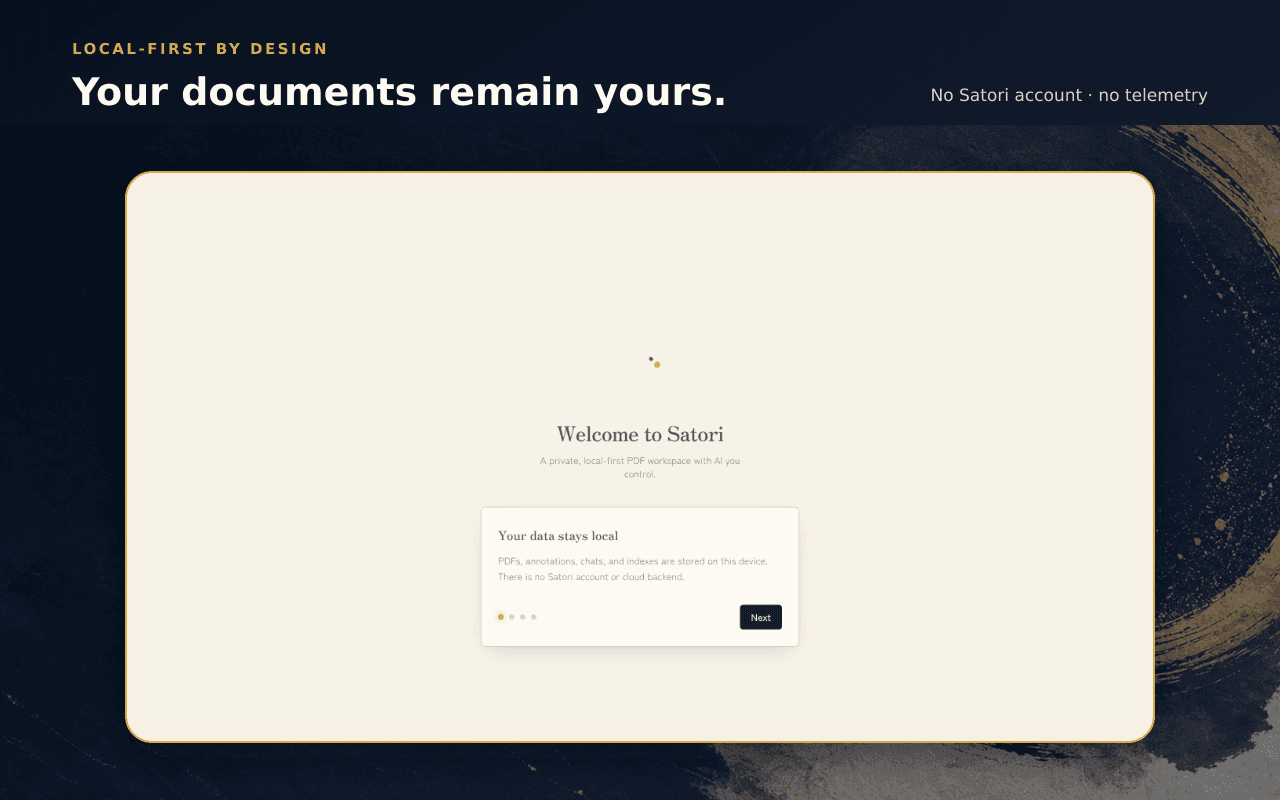
PDFs, annotations, indexes, chats, and artifacts stay on your device by default.
No Satori account and no Satori telemetry.
AI is optional — content goes only to the provider you configure, with your own keys.
Asked, answered
No. Satori has no backend and no account system — your documents, annotations, and chats live in local storage on your device.