
KiwamiProductivity
[ 013 / 015 ]
Kiwami — YouTube that adapts to you.
Build viewing rules in plain language, navigate videos as knowledge maps, clear Watch Later intelligently, verify claims with evidence, turn lessons into practice, and let speed and sound adapt to what you are watching.
- Version
- 1.8.0
- Rating
- 5.0 (1)
- Category
- Productivity
- AI
- On-device + BYOK
- Storage
- Local-first
Feel it before you add it
What Kiwami actually does
Say how you watch. Kiwami handles the rest.
Describe a viewing rule once and Autopilot turns it into deterministic conditions and actions. Match channels, playlists, video length, live status, category, time of day, or device — then inspect exactly why a rule is active and override it for one video without rewriting anything.
- Visual rule builder for precise, predictable automation
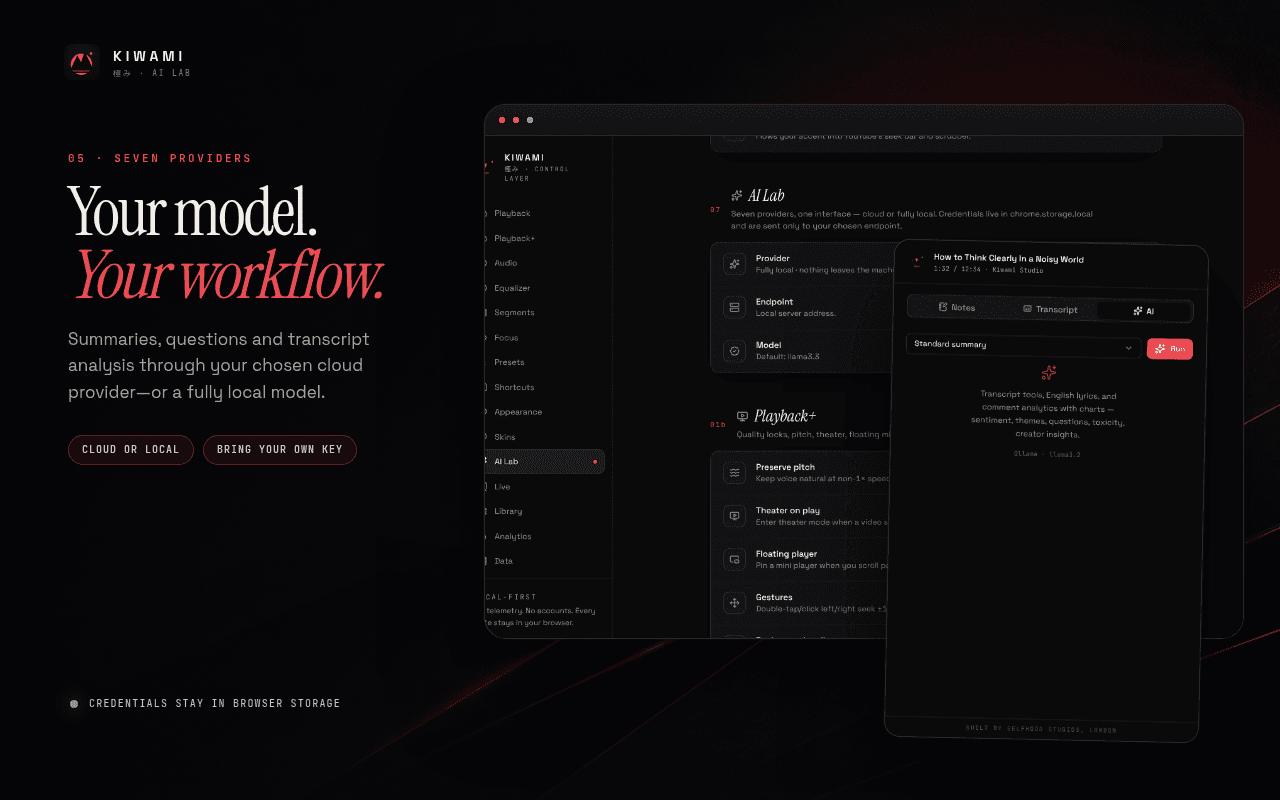
- Natural-language rule creation through your BYOK model
- “Why is this active?” inspector and temporary overrides
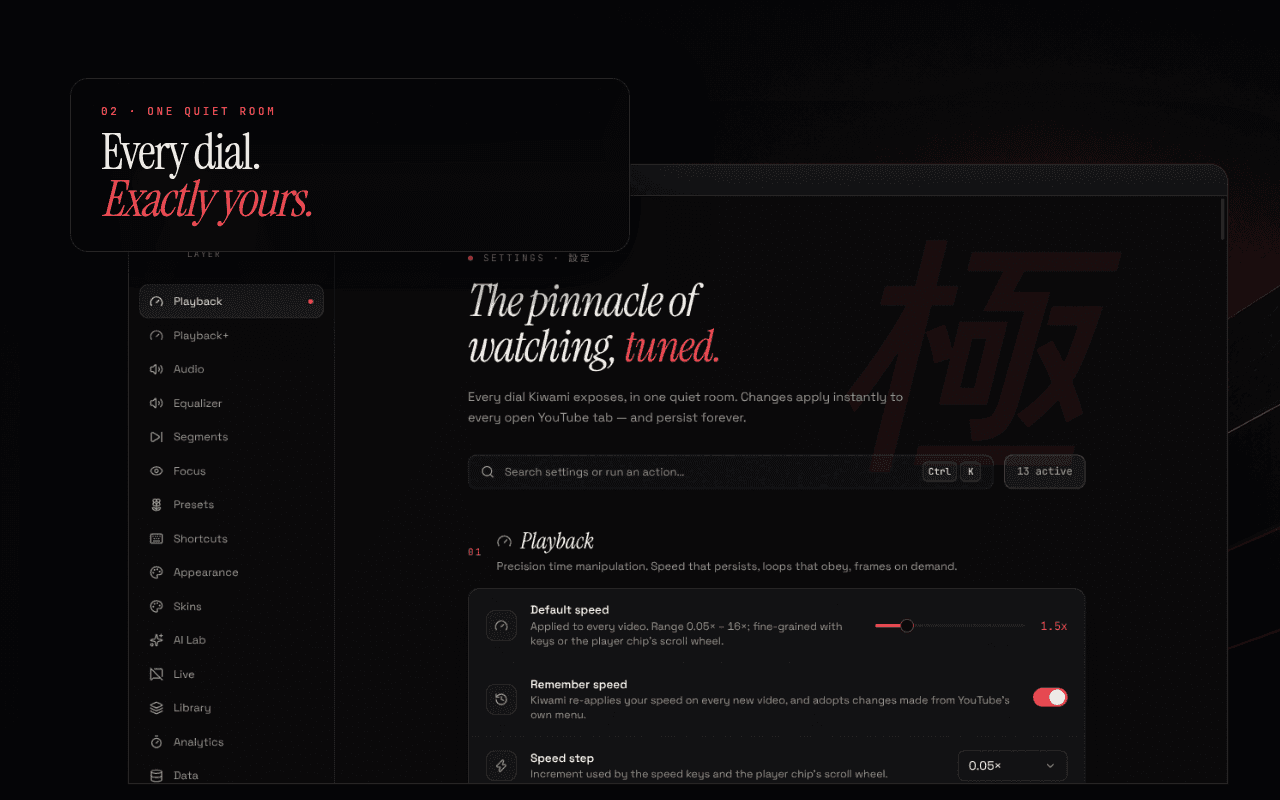
The progress bar becomes a knowledge map
See chapters, topic changes, SponsorBlock segments, transcript matches, claims, quotes, scene changes, notes, screenshots, comment spikes, and watched ranges on one timeline. Ask where an idea appears and jump straight to the exact moment.
- Ask questions such as “Where are React and Svelte compared?”
- Seek every example, claim, quote, note, or evidence marker
- Combine transcript, AI, highlights, segments, and history
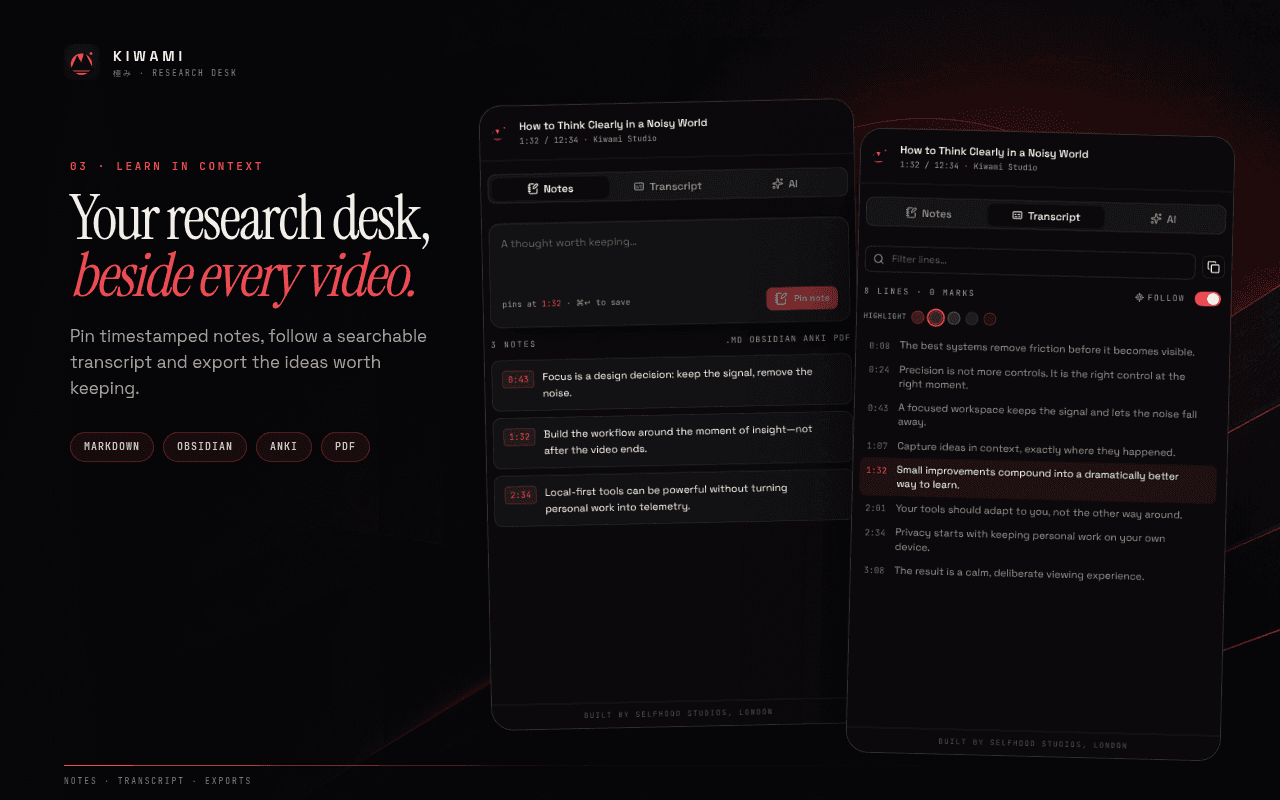
Turn Watch Later into a queue worth finishing
Sort saved videos into Now, This week, Someday, and Archive; add tags, priority, and due dates; find duplicate topics; and rank what matters using interests stored locally. Kiwami calculates the real time commitment after playback speed and skipped segments.
- Build the best queue for the time you actually have
- Playlist and channel digests with batch summaries
- Local relevance scoring and duplicate-topic detection
Follow every claim back to evidence
Extract claims with exact timestamps, discover creator-provided sources, verify them on the web with direct citations, and compare agreement or disagreement across videos. Trust Lens separates fact, opinion, and prediction instead of hiding uncertainty behind a generic AI score.
- Timestamped claims and creator-source discovery
- Externally cited verification and cross-video comparison
- Clear transcript-only, verified, and uncertain states
Turn any video into deliberate practice
Learn with dual synchronized subtitles, context-aware word meanings, sentence replay, shadowing, and pause-after-every-sentence practice. Compare pronunciation through local speech recognition, save vocabulary with its original clip, and review it again on a spaced-repetition schedule.
- Dual subtitles with contextual dictionary lookup
- Shadowing, local pronunciation comparison, and sentence loops
- Local vocabulary decks, spaced repetition, and Anki export
Move faster without flattening the meaning
Compress silence smoothly, slow down dense explanations, accelerate repetition, and leave music or demonstrations at natural speed. Kiwami remembers speed and EQ profiles by channel, enhances dialogue, suppresses background noise, and estimates when you will really finish.
- Content-aware pacing instead of abrupt silence skipping
- Per-channel speed, EQ, dialogue, and noise profiles
- Completion time adjusted for speed and SponsorBlock
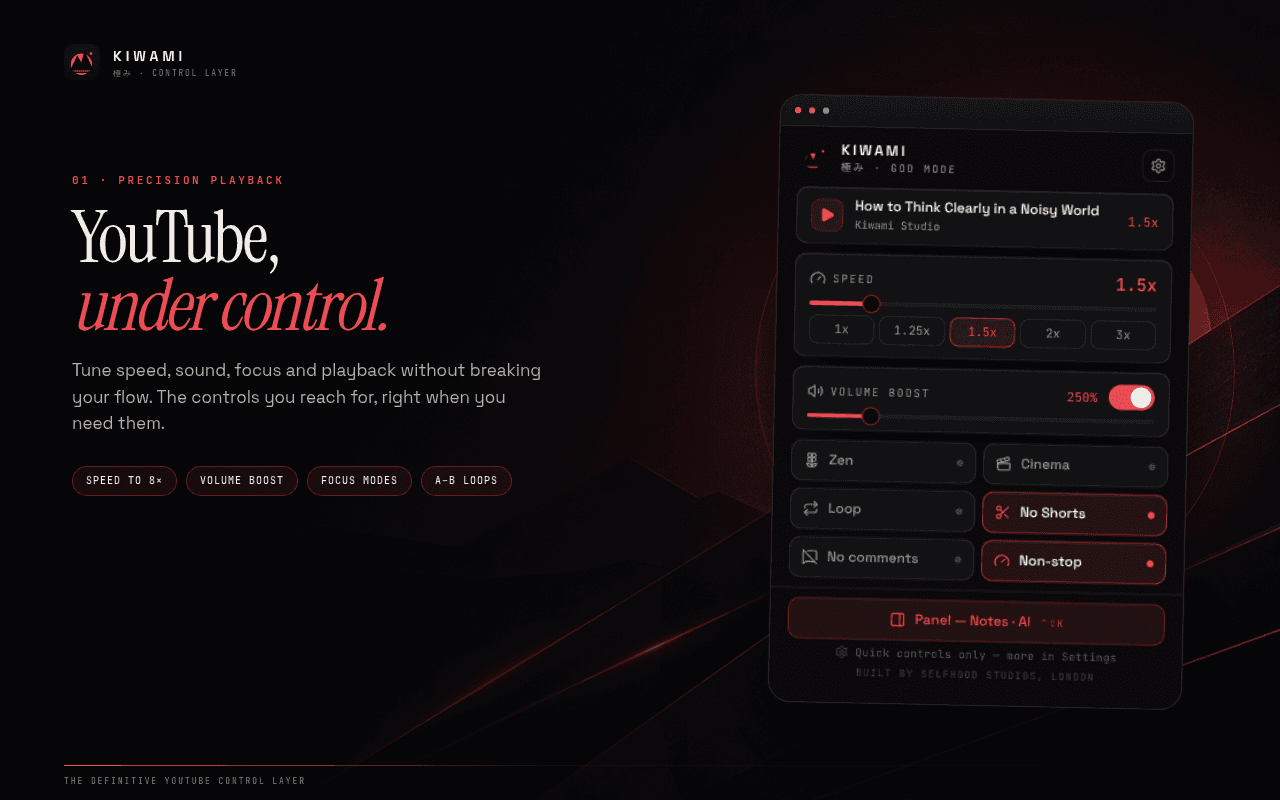
The details that make Kiwami feel like Kiwami
Autopilot
Deterministic viewing rules created visually or in plain language.
Semantic Timeline
Every topic, claim, note, and watched range on one map.
Inbox Zero
A Watch Later queue ranked for relevance and available time.
Trust Lens
Timestamped claims, direct citations, and honest uncertainty.
Study Dojo
Dual subtitles, shadowing, vocabulary, and spaced repetition.
Smart Speed
Pacing and sound that respond to the content itself.
Kiwami, up close
Not a policy summary. The actual behaviour.
Rules, viewing profiles, interests, notes, vocabulary, and learning progress stay in Chrome storage on your device.
Kiwami has no Selfhood account, backend, analytics, advertising, or telemetry.
BYOK AI, verification, and community features contact only the provider, source, or public service you choose to use.
Asked, answered
Create a rule with the visual builder or describe it in plain language through your configured BYOK model. Kiwami saves the result as deterministic conditions and actions, shows why it matched the current video, and lets you apply a temporary per-video override.