
ShibuiCreative
[ 001 / 015 ]
Shibui — Photo editing, reimagined.
Edit like magic: speak your intent and Nano Banana makes it real. Pro layers, brushes, adjustments, and AI woven through every workflow — all in your browser.
- Version
- 4.5.0
- Rating
- 5.0 (2)
- Category
- Creative
- AI
- BYOK
- Storage
- Local-first
Feel it before you add it
What Shibui actually does
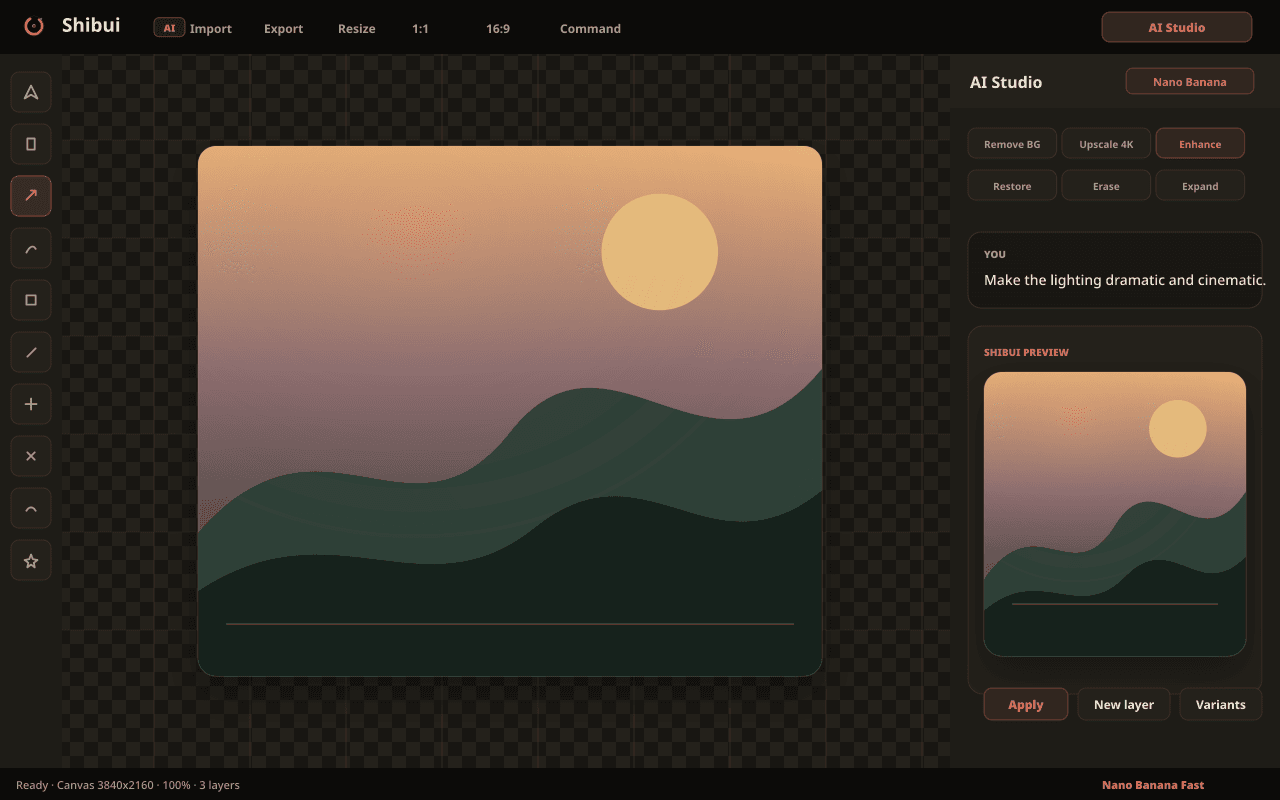
Say it, see it
Describe the edit in plain language and watch it land on the canvas. The AI Studio chat understands masks, layers, and context — it edits the image you mean, not the one you uploaded.
- Conversational editing with full canvas context
- Iterate on results without starting over
- Powered by Nano Banana via your own key
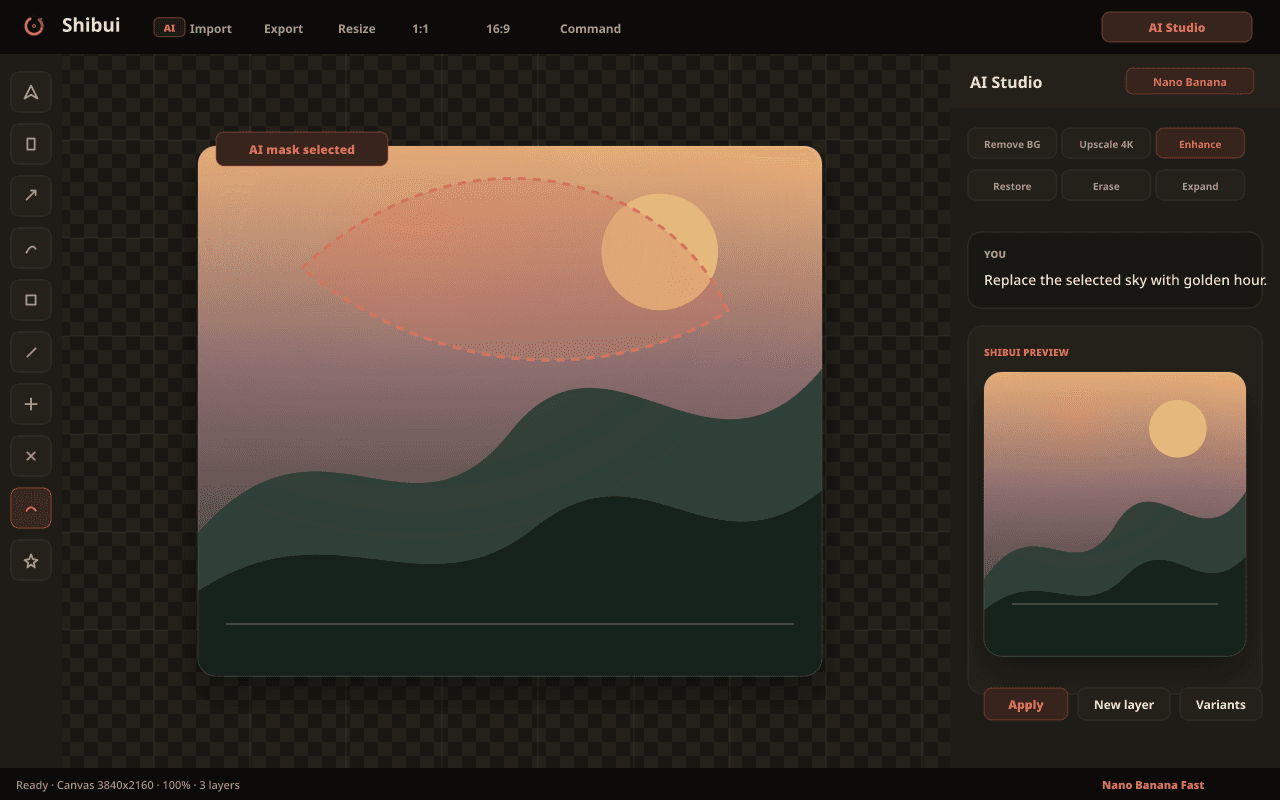
Paint where the magic goes
Brush a mask over any region and generate directly into it. Replace skies, remove objects, extend backgrounds — the rest of the image stays untouched.
- Pressure-aware mask brushes
- Generation confined precisely to the mask
- Feathering and edge refinement built in
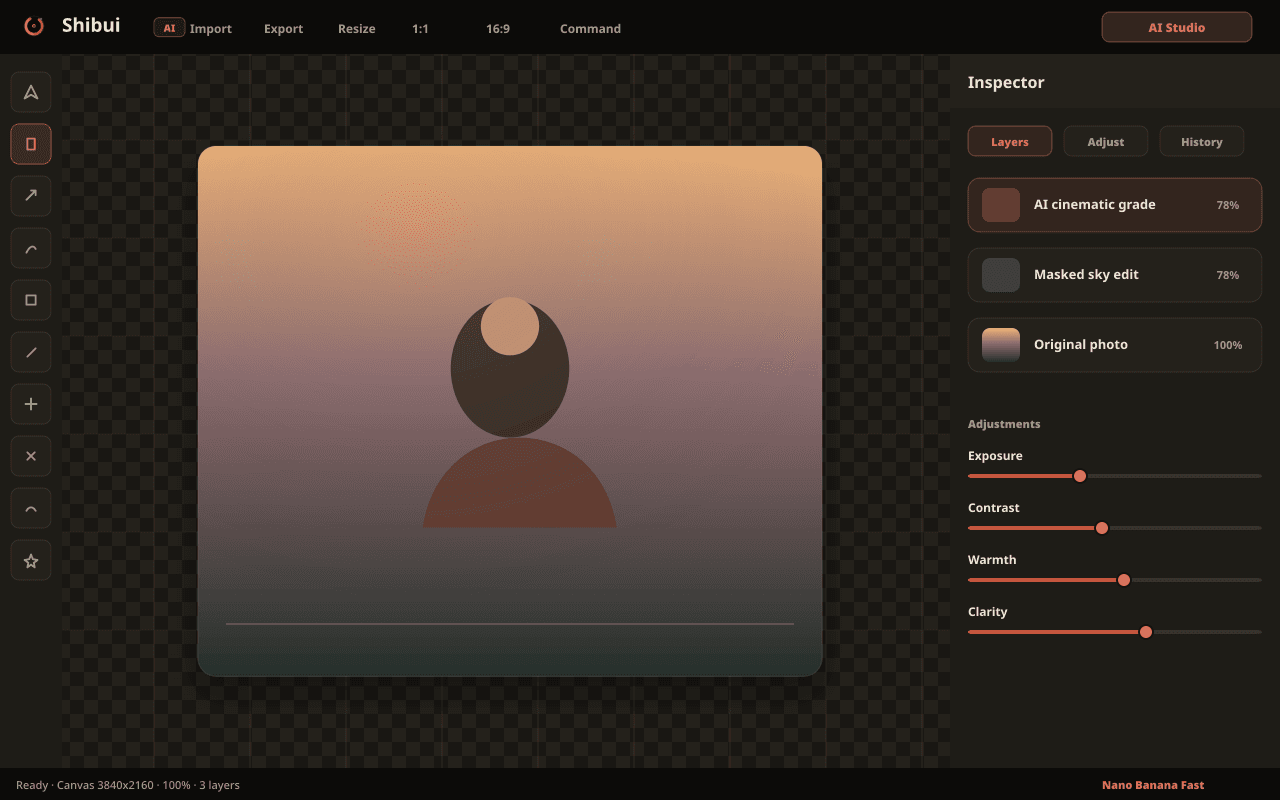
A real editor, not a toy
Non-destructive layers, blend modes, curves, and selective adjustments. Everything you expect from a desktop editor, running entirely in a browser tab.
- Unlimited layers with blend modes
- Curves, HSL, and selective color
- Fully non-destructive pipeline
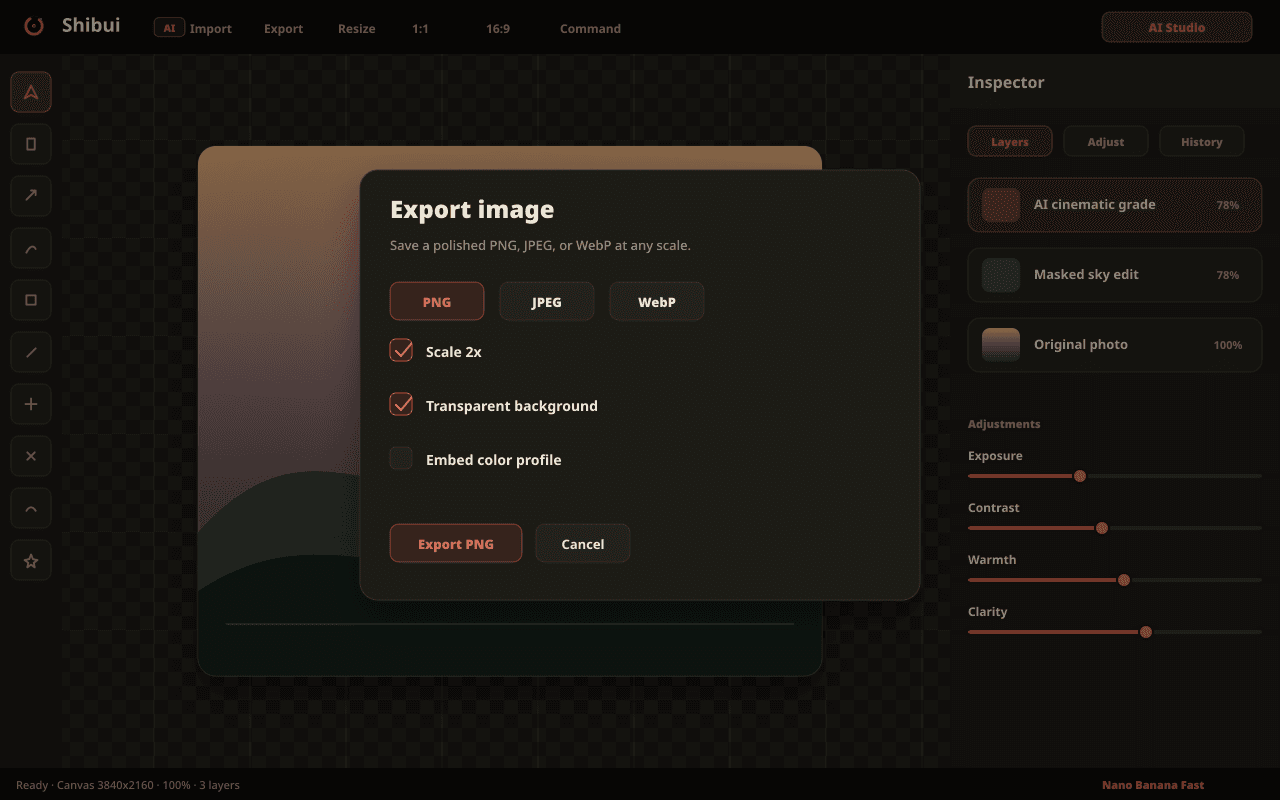
Leave in any format
Export finished work as PNG, JPEG, WebP — or a layered PSD that opens cleanly in Photoshop. Your work is never locked in.
- PSD export with layers intact
- Quality and size controls per format
- Batch export for variants
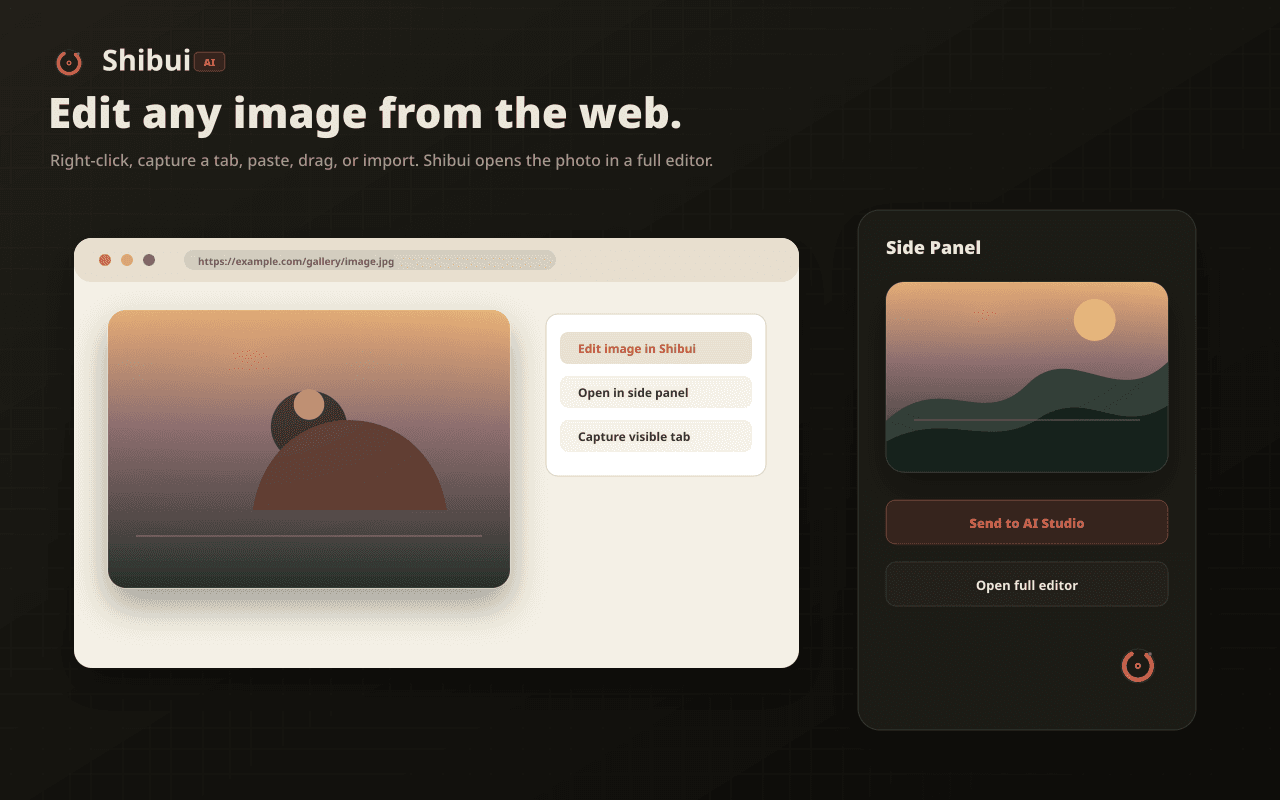
Any image on the web is a starting point
Right-click any image on any page and open it straight in Shibui. Capture, edit, and export without a single download-and-reupload round trip.
- Right-click → Edit in Shibui
- Captures full-resolution sources
- Works on protected and lazy-loaded images
The details that make Shibui feel like Shibui
AI Studio
Chat-driven editing with canvas context.
Mask & Generate
Generate directly into painted regions.
Pro layers
Blend modes, curves, selective adjustments.
Web capture
Right-click any image → edit instantly.
PSD export
Layered files that open in Photoshop.
Shibui, up close
Not a policy summary. The actual behaviour.
API keys live in chrome.storage.local on your machine.
AI calls go directly from your browser to Google or OpenRouter — never through our servers.
Your images never touch a Selfhood server.
Asked, answered
For AI features, yes — bring your own Google AI or OpenRouter key. Every non-AI tool (layers, brushes, adjustments, export) works without one.