
LuminaCapture
[ 008 / 015 ]
Lumina — Professional screenshots. Private. Intelligent. Beautiful.
Flawless capture, pro non-destructive editor, on-device AI, and a searchable local library. PNG/PDF/WebP export, device mockups, design token extractor, PII auto-redact.
- Version
- 2.7.0
- Rating
- 5.0 (3)
- Category
- Capture
- AI
- On-device
- Storage
- Local-first
Feel it before you add it
What Lumina actually does
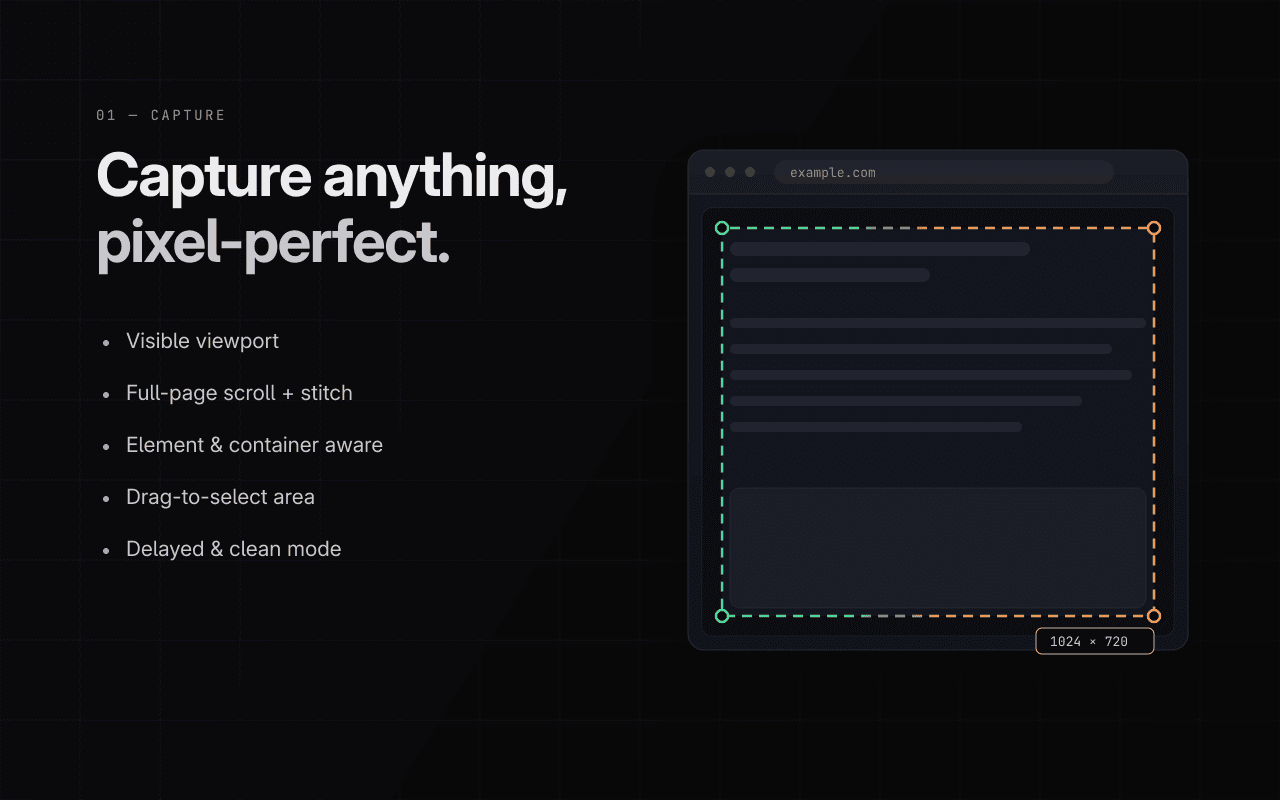
Five ways to frame it
Visible area, full page with seamless stitching, a single element, a drawn region, or a delayed shot for menus and hover states. Every mode, pixel-perfect.
- Full-page stitch without seams
- Element picker with DOM precision
- Delayed capture for transient UI
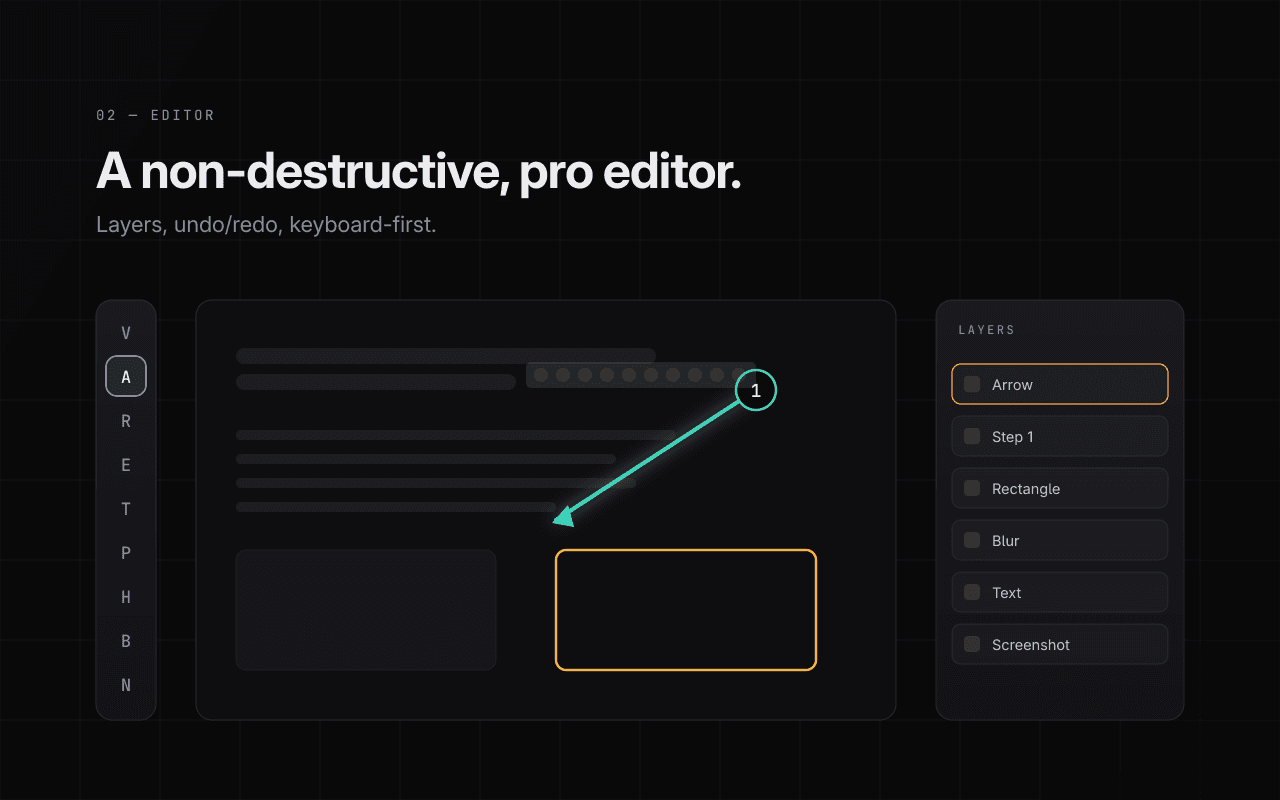
Non-destructive, like it should be
A real layer-based editor: annotations, crops, backgrounds, and device mockups that stay editable forever. Change your mind a week later.
- Layer-based annotation
- Device and browser mockup frames
- Backgrounds, shadows, padding presets
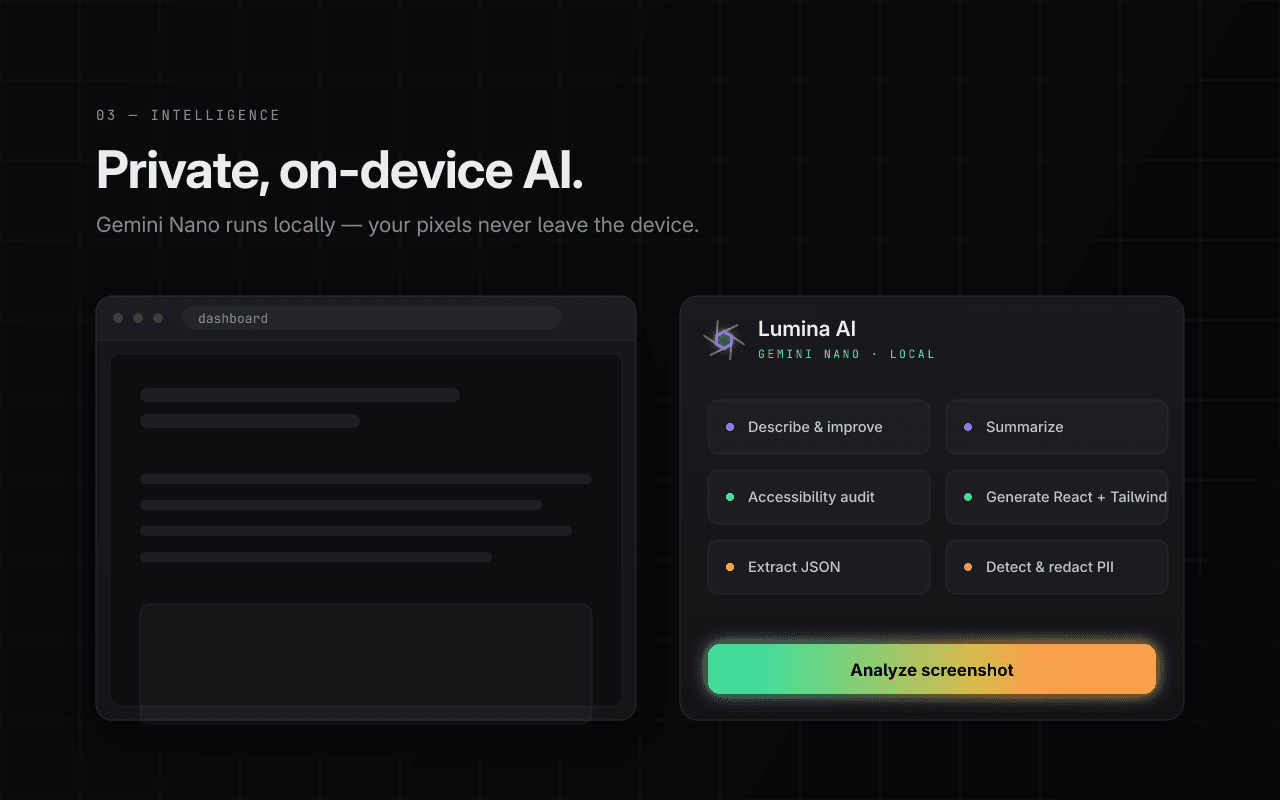
Vision AI that never phones home
Gemini Nano runs on-device to name screenshots, extract text, auto-redact PII, and pull design tokens from UI captures.
- Auto-naming and OCR on-device
- PII auto-redaction
- Design token extractor for UI shots
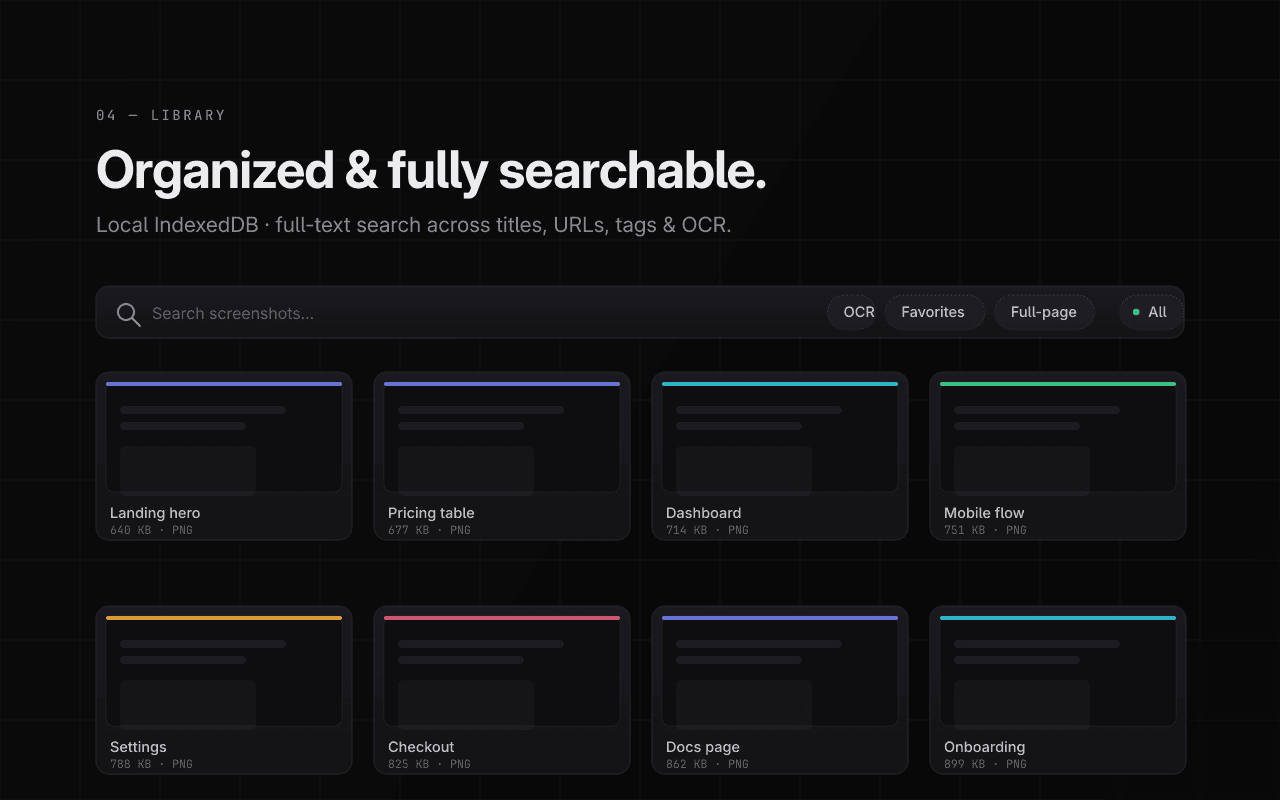
Every capture, one search away
Screenshots land in a searchable local library, indexed by OCR text and AI labels. Find that error dialog from three weeks ago in seconds.
- Full-text search over OCR
- Before/after diff view
- IndexedDB — nothing leaves your machine
From capture to deliverable
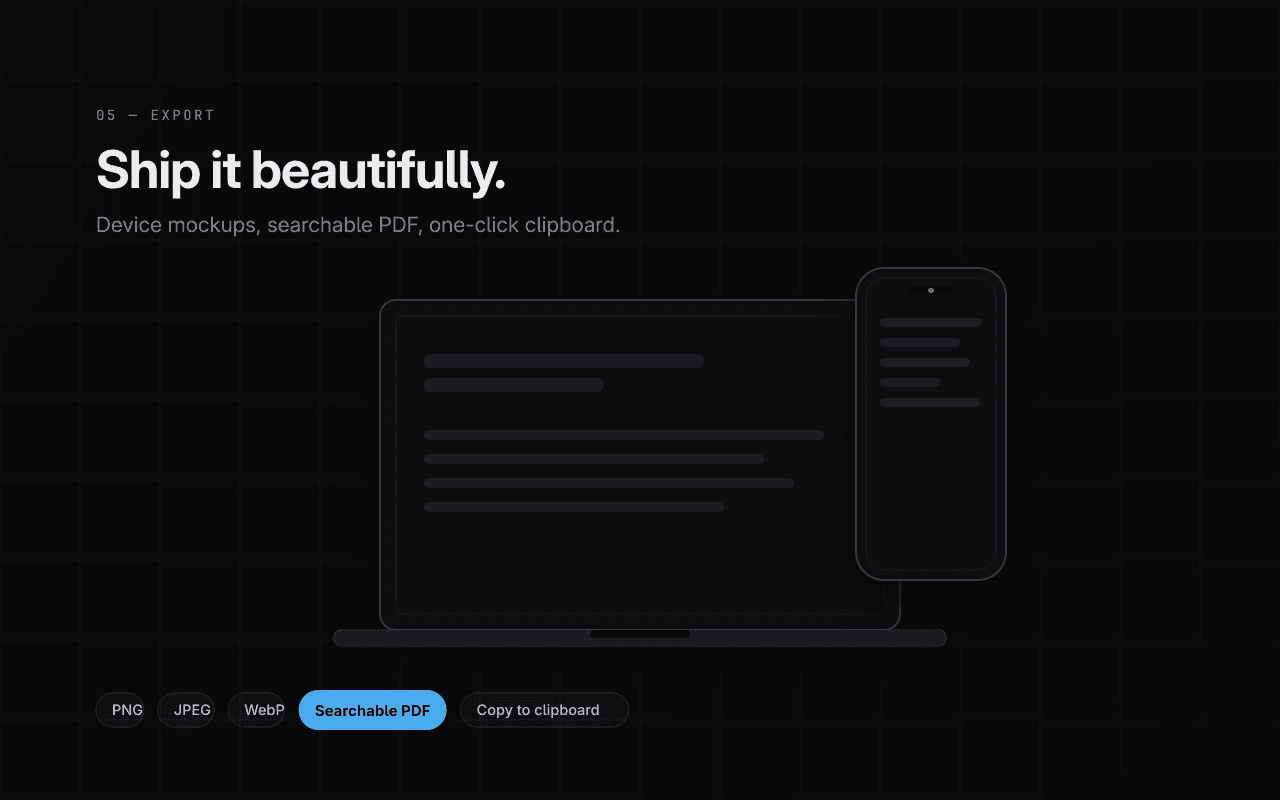
Export PNG, WebP, or a searchable PDF with embedded OCR text. Copy to clipboard, save to disk, or batch-export a whole session.
- Searchable PDF with OCR layer
- PNG / WebP with quality control
- Batch export
The details that make Lumina feel like Lumina
Full-page stitch
Long pages, zero seams.
Layer editor
Non-destructive, always editable.
Nano vision AI
On-device naming, OCR, redaction.
Searchable PDF
OCR text embedded in exports.
Before/after diff
Spot every pixel that changed.
Command palette
Every action, two keystrokes away.
Lumina, up close
Not a policy summary. The actual behaviour.
All screenshots stored in IndexedDB on your device.
OCR and AI run on-device via Gemini Nano.
No analytics, no uploads, no account.
Asked, answered
Lumina stitches as far as the page renders. For infinite feeds, it captures what has loaded when you trigger the capture.