
ThreadBackResearch
[ 003 / 015 ]
ThreadBack — Pick up exactly where you left off.
Reconstructs your task threads — goal, evidence, decisions, open questions, and the next step — so you can resume interrupted browser work without rebuilding context.
- Version
- 0.3.0
- Rating
- 5.0 (1)
- Category
- Research
- AI
- On-device + BYOK
- Storage
- Local-first
Feel it before you add it
What ThreadBack actually does
Your context, reconstructed
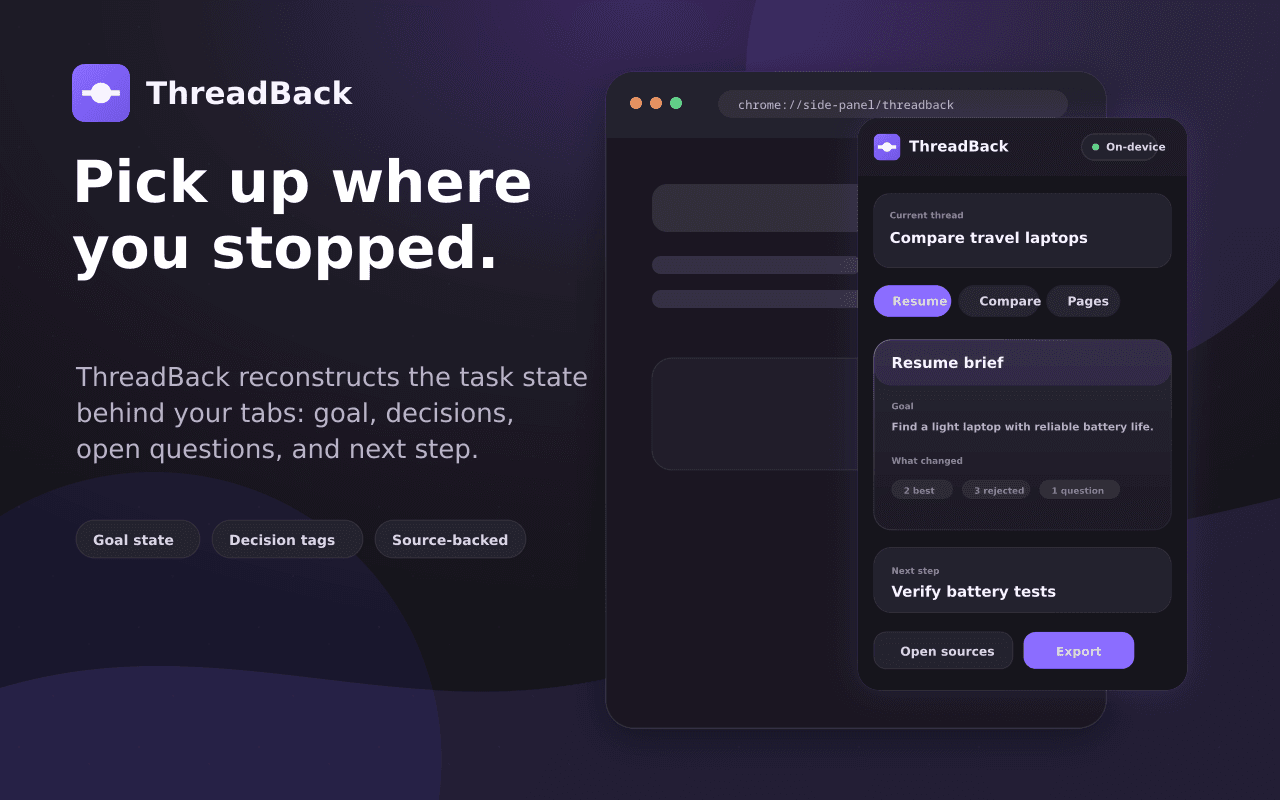
Come back after a week and ThreadBack hands you a brief: what you were trying to do, what you found, what you decided, and the next step. No archaeology through 40 open tabs.
- Goal, evidence, decisions, open questions
- Generated on-device with Gemini Nano
- One click back into the thread
Decisions, laid flat
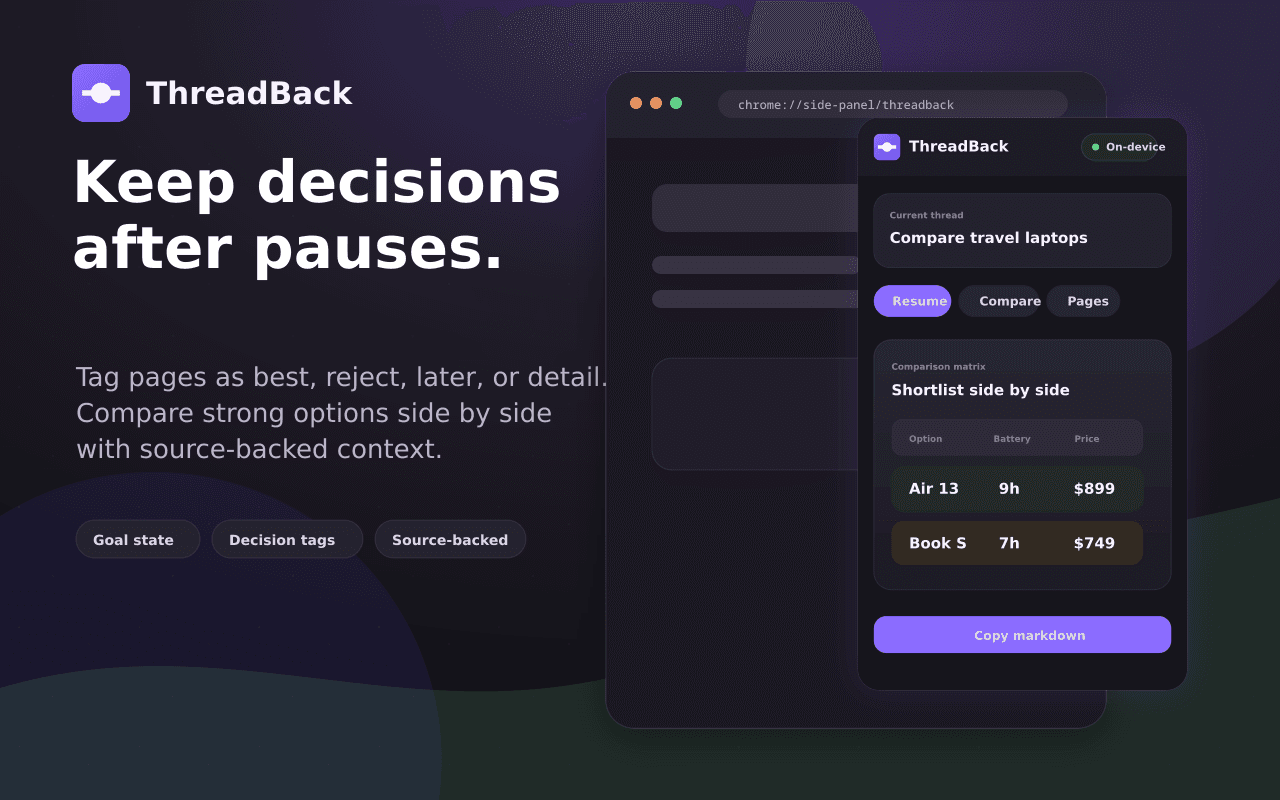
When a thread is a comparison — laptops, libraries, apartments — ThreadBack extracts the candidates and criteria into a matrix you can actually reason over.
- Auto-extracted candidates and criteria
- Confidence rings show evidence strength
- Steer the analysis with your own weights
Research that stays yours
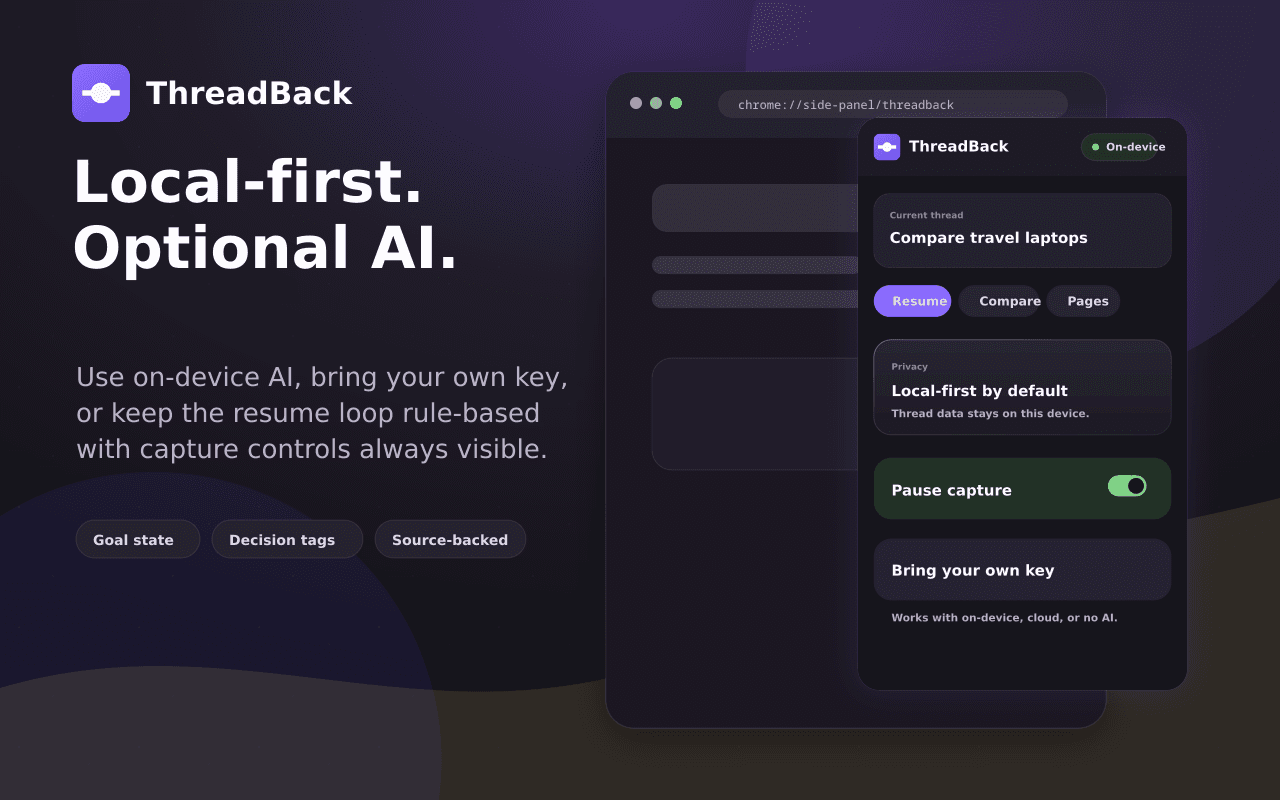
Threads are reconstructed on your device by default. Cloud models are strictly opt-in, per-provider, with your own keys.
- Gemini Nano on-device by default
- BYOK: Claude, OpenAI, OpenRouter, Groq, DeepSeek
- Nothing leaves without explicit opt-in
The details that make ThreadBack feel like ThreadBack
Freeze-Dry / Thaw
Compress a thread to essence; rehydrate later.
Time-Lapse replay
Watch your research unfold stage by stage.
Devil's Advocate
Bias detector that argues the other side.
Handoff deck
Interactive HTML brief for teammates.
Confidence rings
See evidence strength, steer with input.
ThreadBack, up close
Not a policy summary. The actual behaviour.
Thread reconstruction runs on-device with Gemini Nano by default.
Cloud providers are opt-in per thread, with your own API keys.
Your browsing evidence is stored locally, never synced to us.
Asked, answered
No. ThreadBack works from the tabs and pages you bring into a thread, not a blanket history scan.