
NexusProductivity
[ 012 / 015 ]
Nexus — Give your browser a task. Watch it get done.
An agentic AI workspace inside Chrome. Ask in plain language and Nexus can research, navigate, click, type, and coordinate work across tabs — reading every page to the bottom, citing only sources it opened, and showing what each turn cost. Nine providers, connected MCP tools, and a new tab built around the work.
- Version
- 2.9.1
- Rating
- 5.0 (2)
- Category
- Productivity
- AI
- BYOK
- Storage
- Local-first
Feel it before you add it
What Nexus actually does
Describe the outcome, not the clicks
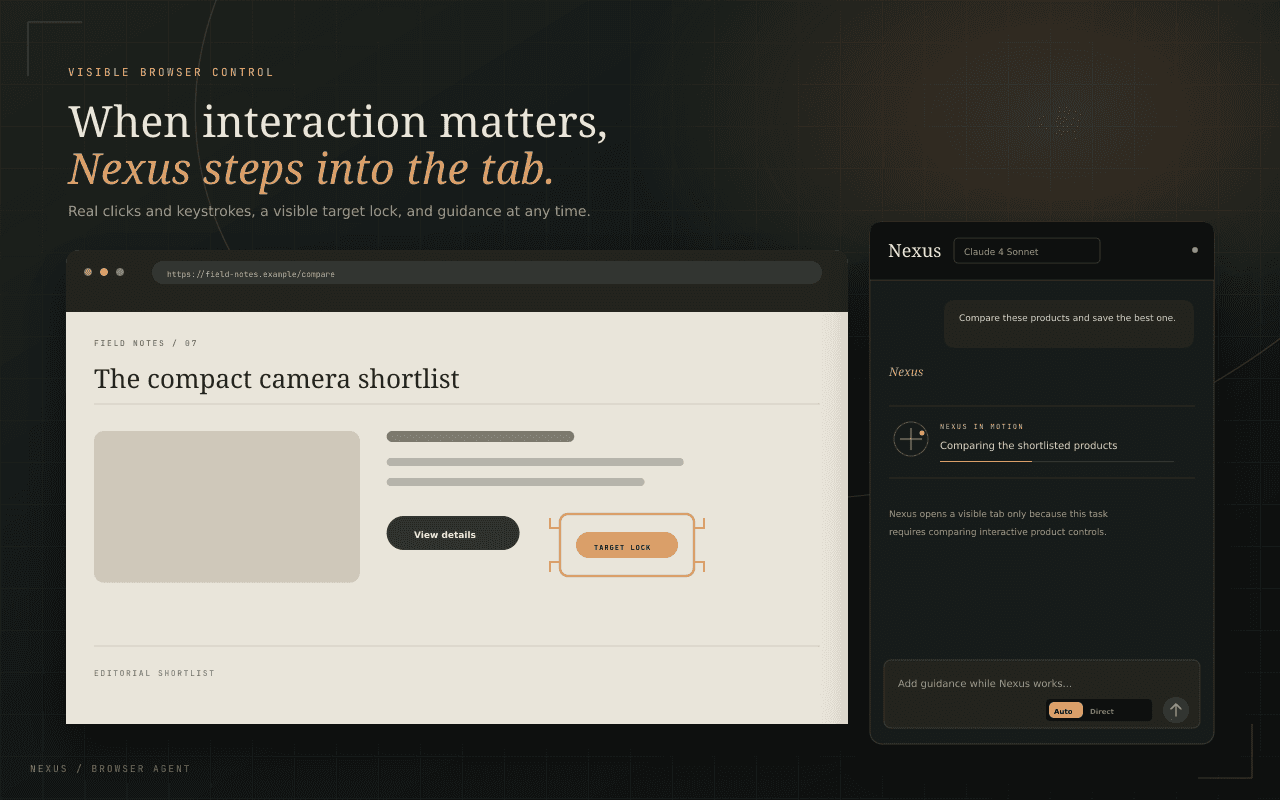
Give Nexus a task in everyday language and it works through the browser for you — opening and switching tabs, navigating, clicking, typing, and extracting information from the pages you use. Content inside cross-origin iframes and closed web components is reachable too, so embedded sign-in, payment fields and app-like widgets are ordinary targets rather than dead ends.
- Natural-language tasks from the side panel or a new tab
- Real wheel scrolling, dragging, hovering and key chords
- Reads long pages to the bottom instead of summarizing the top
See every step, source, and cost
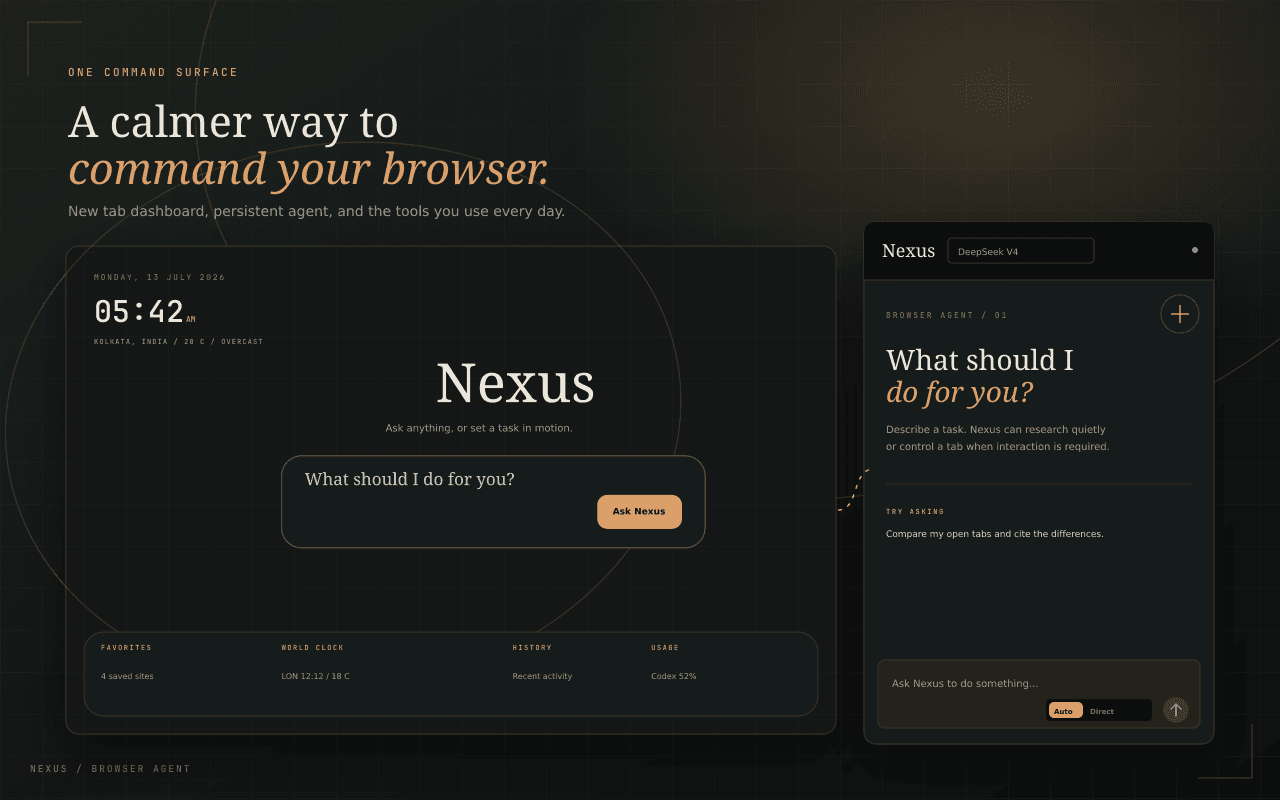
Nexus keeps its work inspectable. A live trace shows each search, page read, navigation and browser action, expandable to the exact arguments and results. Answers carry a card of the sources it actually opened — a link it never fetched is stripped before you see it — and each turn reports its own tokens and estimated cost.
- Expandable trace for every action, result, and screenshot
- Verified source cards; unfetched citations removed
- Per-turn tokens and cost, plus a persistent usage ledger
Redirect the work without starting over
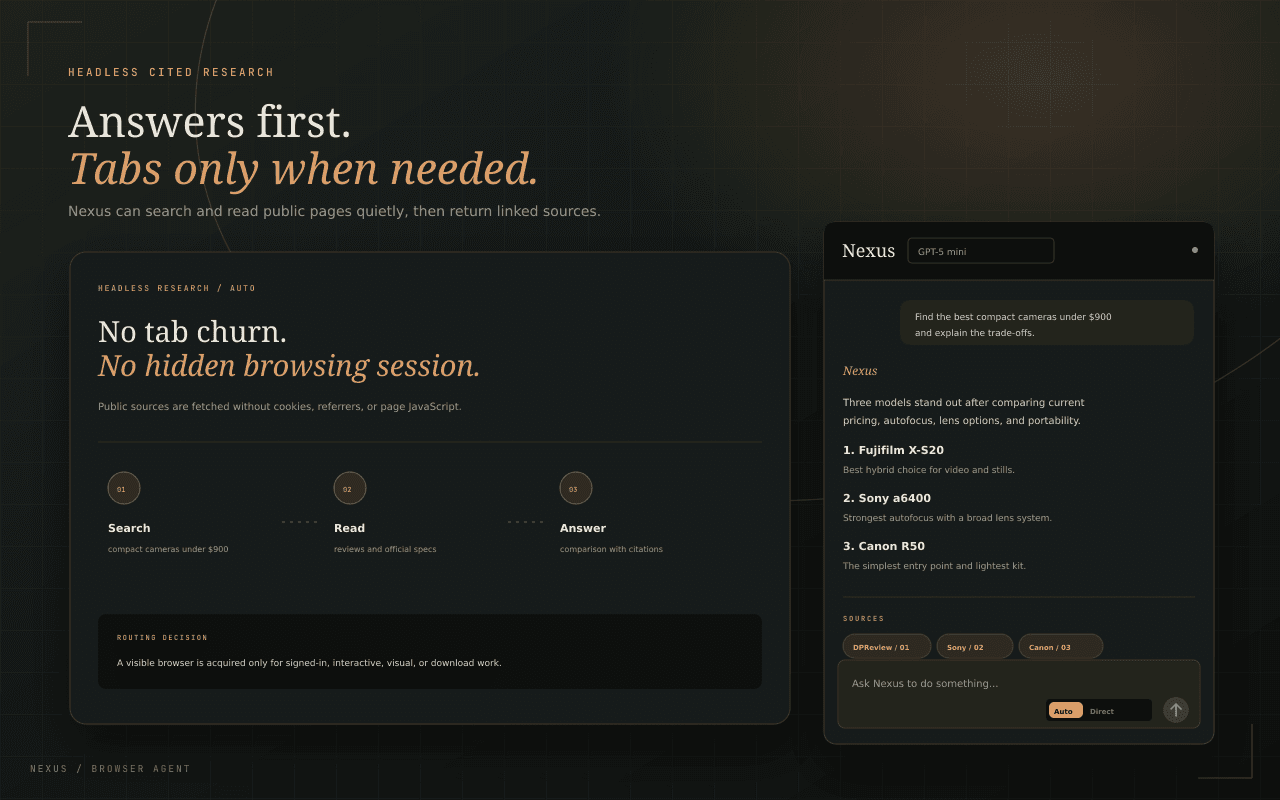
Add guidance by typing or speaking while Nexus is running and it joins the current run rather than restarting it. Afterwards you can edit an earlier message and ask again — Nexus rewinds the conversation, and says so plainly when it cannot, rather than pretending a submitted form was undone.
- Text or voice guidance during an active run
- Edit and re-run any earlier message; retry keeps its attachments
- @ an open tab, a saved page, an earlier answer, or your selection
Choose the intelligence behind the agent
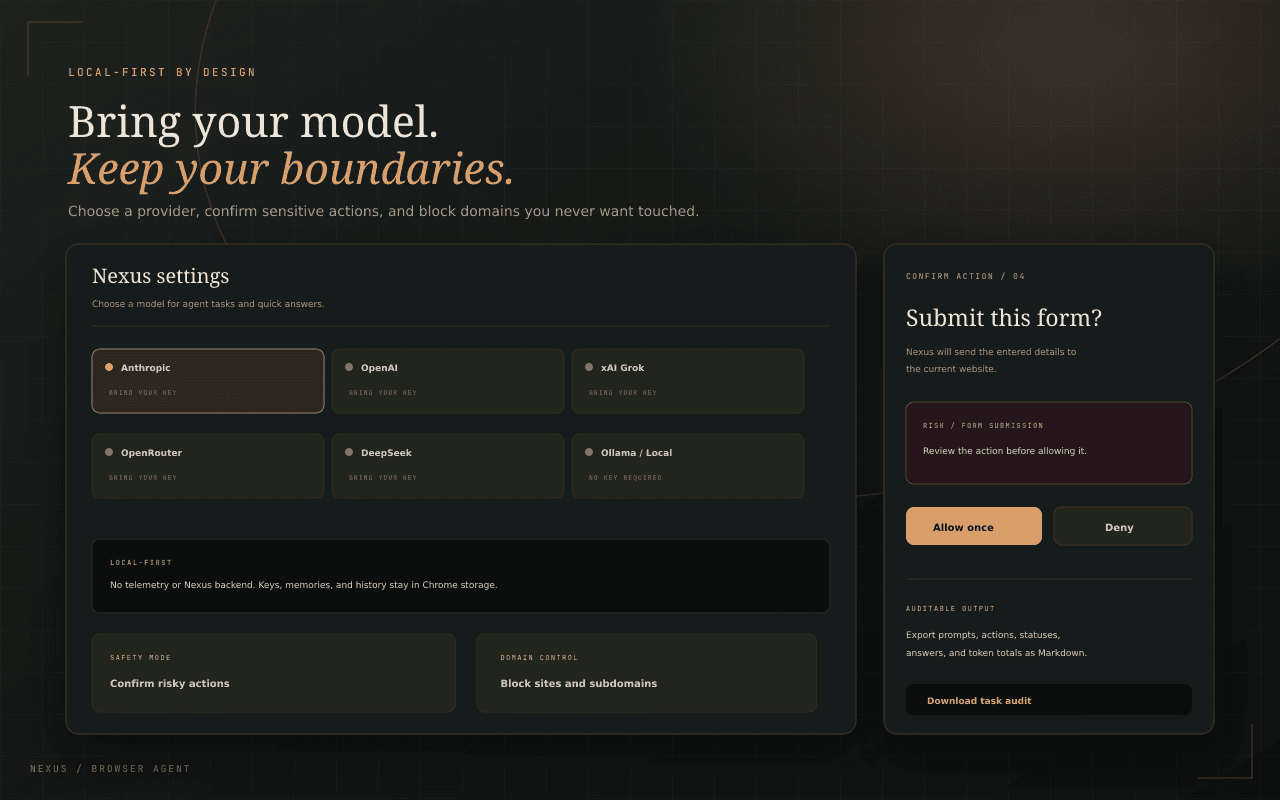
Connect Anthropic, OpenAI, Google Gemini, xAI, OpenRouter, NVIDIA Build, DeepSeek, or a local Ollama or LM Studio runtime. Pick one model for agentic work and a faster one for quick answers. Connected MCP servers add third-party tools, with every single tool reviewed and approved by you before the model is offered it.
- Nine provider routes, including two local runtimes
- Separate models for agentic tasks and quick answers
- MCP tools approved one at a time, and re-checked if they change
Automation with deliberate guardrails
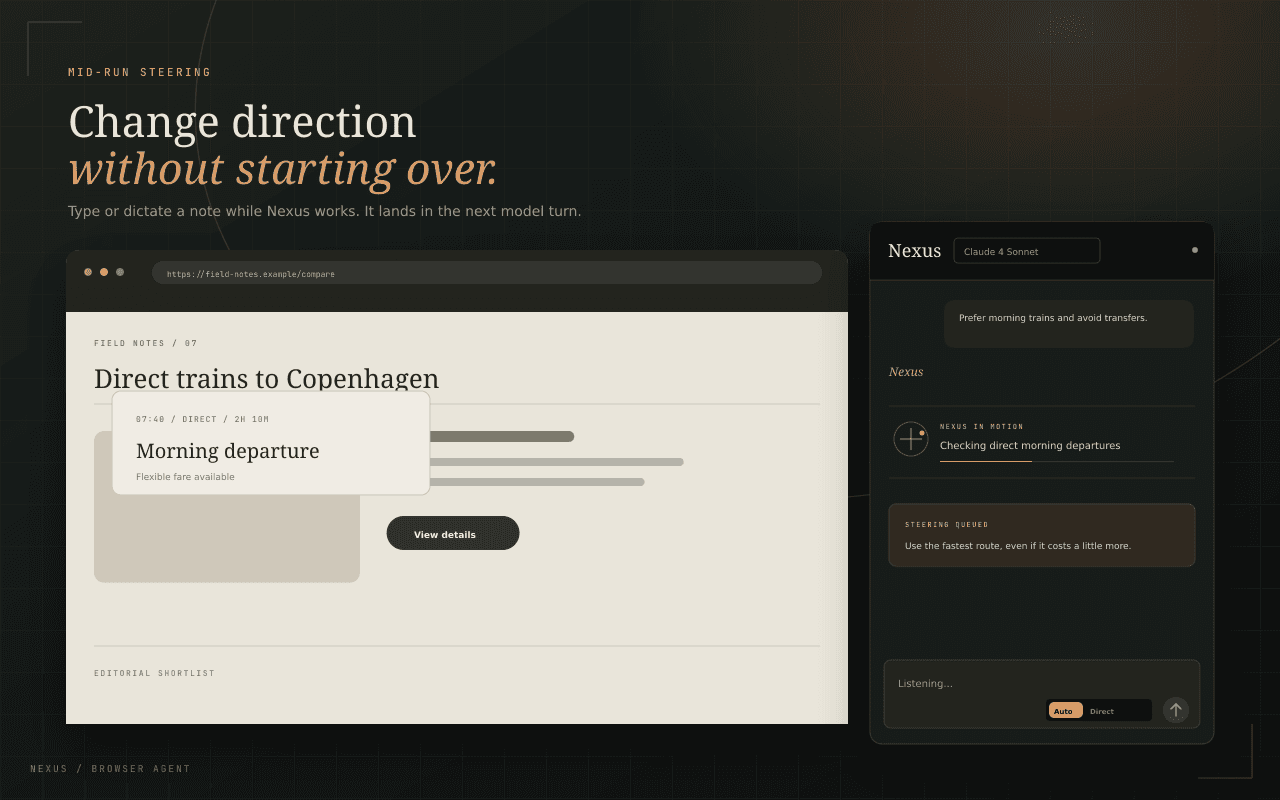
Choose how much autonomy Nexus has, require approval for risky or every action, and block sensitive domains outright. Some actions always ask, even on the most autonomous setting — uploading a file, running a script, or reaching a private network address. When a site wants a login or a CAPTCHA, Nexus hands the tab back to you instead of attempting it.
- Autonomous, confirm-risky, and confirm-all modes
- Human takeover for sign-ins, CAPTCHAs, and one-time codes
- Exportable prompts, actions, results, and token totals
The details that make Nexus feel like Nexus
Browser agent
Researches and acts across tabs from one prompt.
Visible execution
Live traces and overlays make every action inspectable.
Mid-run steering
Add typed or spoken guidance without restarting.
Edit and re-run
Rewrite an earlier message and rewind the conversation.
Attach context
Pull in a tab, a saved page, your selection, or an image.
Parallel research
Fans out read-only subtasks and merges what returns.
Reading library
Optionally remembers pages you read, searchable locally.
Connected tools
MCP servers, with every tool approved individually.
A new tab that works
Launcher, arrangeable gadgets, and live agent runs.
Cost in the open
Tokens and spend per turn, not just a monthly surprise.
Multi-provider
Claude, GPT, Gemini, Grok, DeepSeek, NVIDIA, or local.
Safety controls
Confirmations, domain blocks, and injection defenses.
Nexus, up close
Not a policy summary. The actual behaviour.
API keys, task history, memories, saved prompts, and settings stay in Chrome storage on your device.
The optional reading library is asked for once, stored only in this browser, and skips incognito, sign-in, and checkout pages.
Nexus has no analytics, telemetry, account system, or Selfhood backend.
Model requests go directly to the provider you configure; connected MCP tools receive only the arguments for the call you approved.
Asked, answered
Nexus can read normal web pages, search public sources, navigate, click, type, scroll, drag, upload a file it downloaded, take screenshots, and coordinate work across tabs. It reaches content inside cross-origin iframes and closed web components, and reports how much of a long page it has actually seen so it keeps scrolling instead of summarizing the top. Chrome internal pages, the Web Store, and other protected extension pages remain off limits.