
ShioriProductivity
[ 007 / 015 ]
Shiori — Save the tabs. Keep the calm.
A calm, local-first tab manager and session saver. Save every tab in one click to free memory, restore anytime — fuzzy and semantic search, folders, notes, automation rules, and optional AI.
- Version
- 0.2.0
- Rating
- 5.0 (1)
- Category
- Productivity
- AI
- On-device + BYOK
- Storage
- Local-first
Feel it before you add it
What Shiori actually does
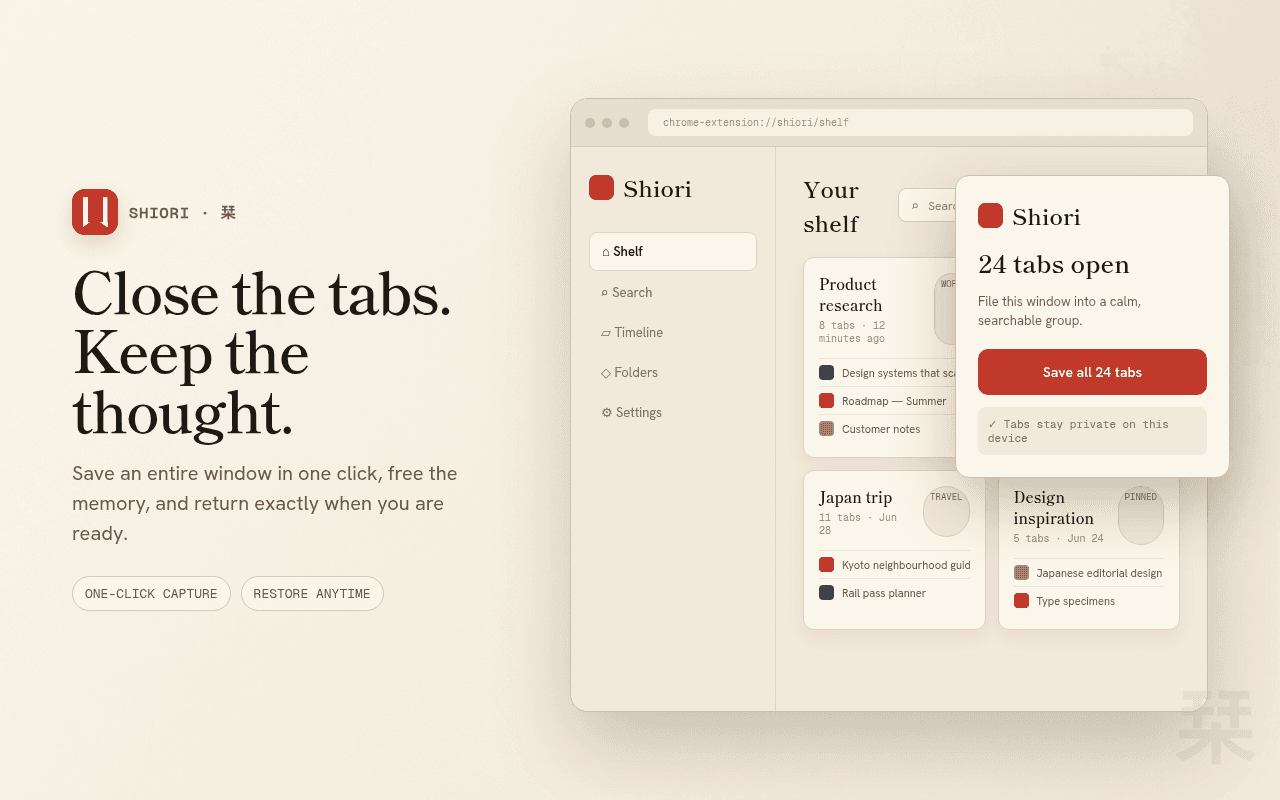
Close it all, lose nothing
One click from the popup — or a keyboard shortcut — saves every tab in the window and closes them, reclaiming memory instantly. The session waits on your shelf, ready to restore whenever you are.
- Save & free memory in one click
- Restore the whole session, or one tab
- Keyboard shortcut for zero-friction saves
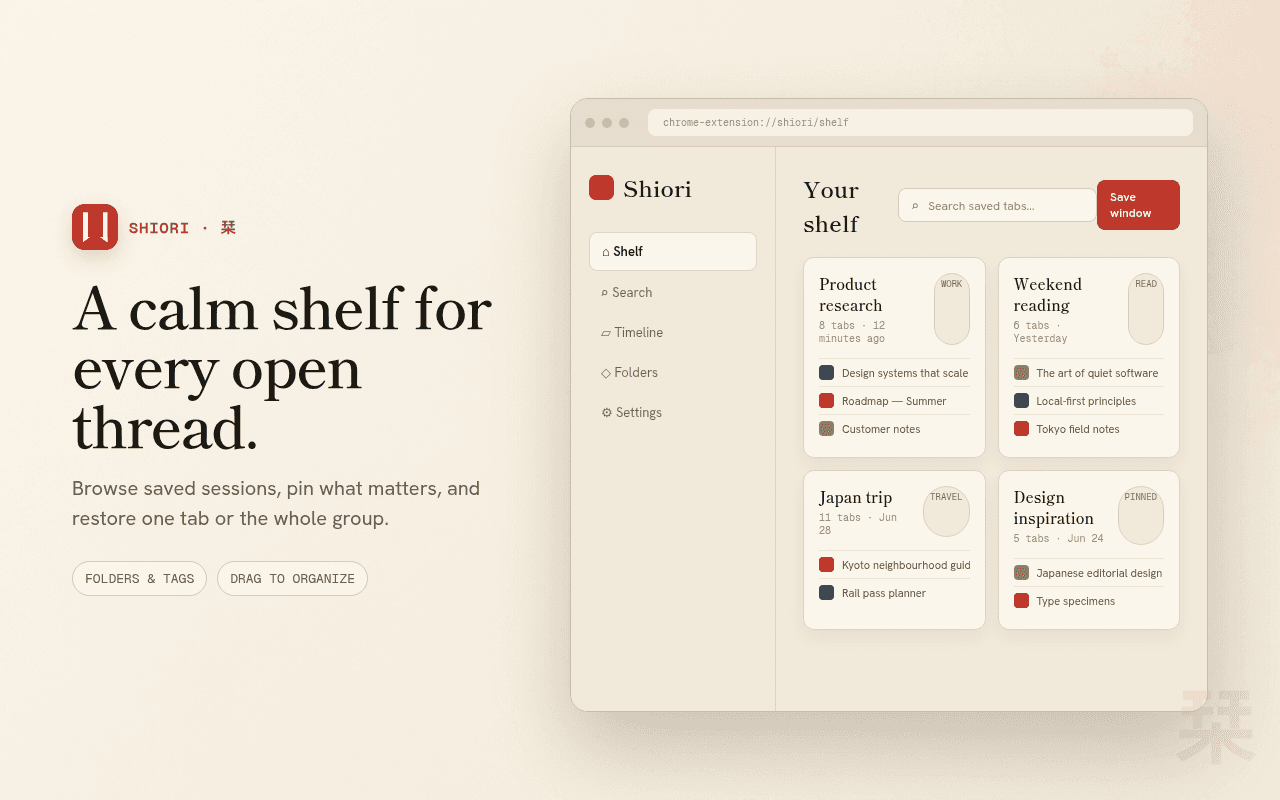
A quiet home for every session
Browse saved sessions in Chrome's side panel or a full-page shelf. Groups keep their tabs, favicons, and order — a library of past work instead of a graveyard of windows.
- Side panel and full-page views
- Drag-and-drop reordering
- Restore without losing the group
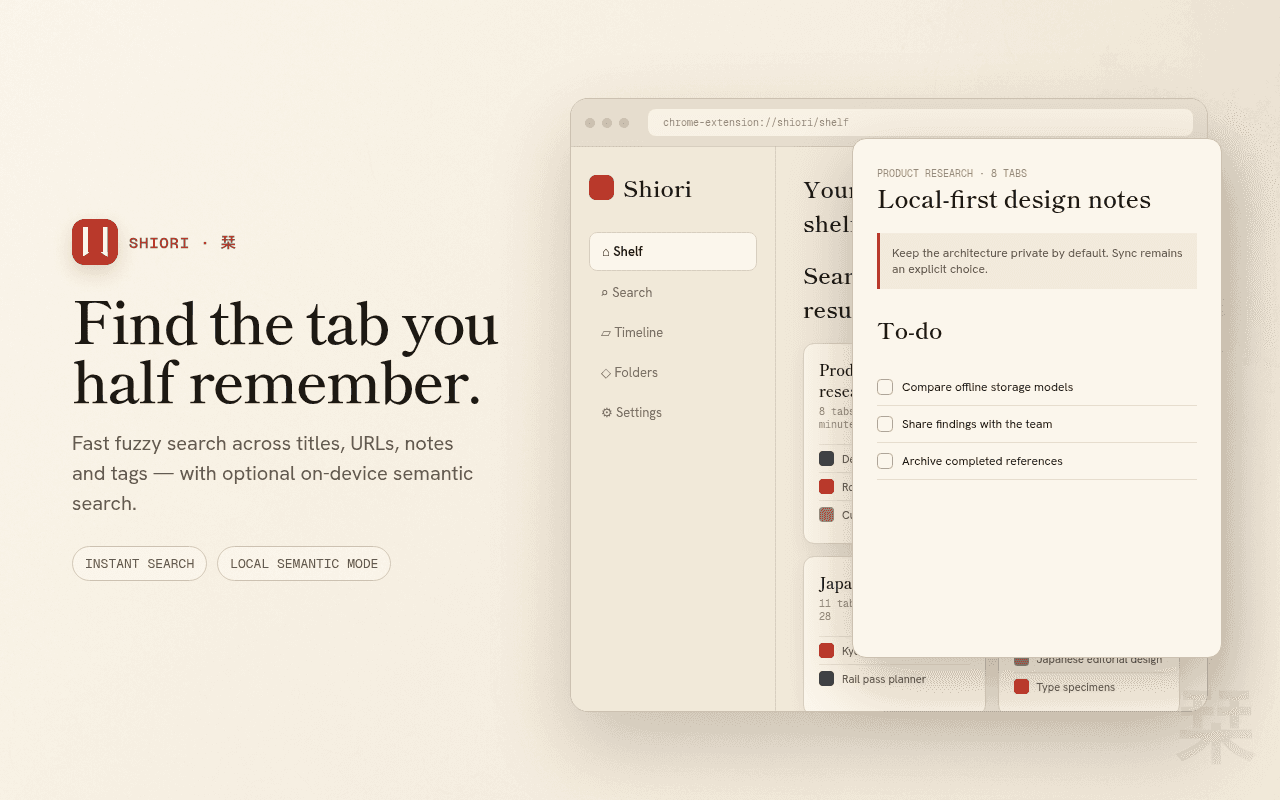
Find that tab from last Tuesday
Fast fuzzy search across every saved tab, plus optional on-device semantic search that finds pages by meaning. Folders, tags, notes, and to-dos keep large libraries organized.
- Fuzzy search over titles and URLs
- On-device semantic search, fully local
- Folders, tags, notes, and to-dos
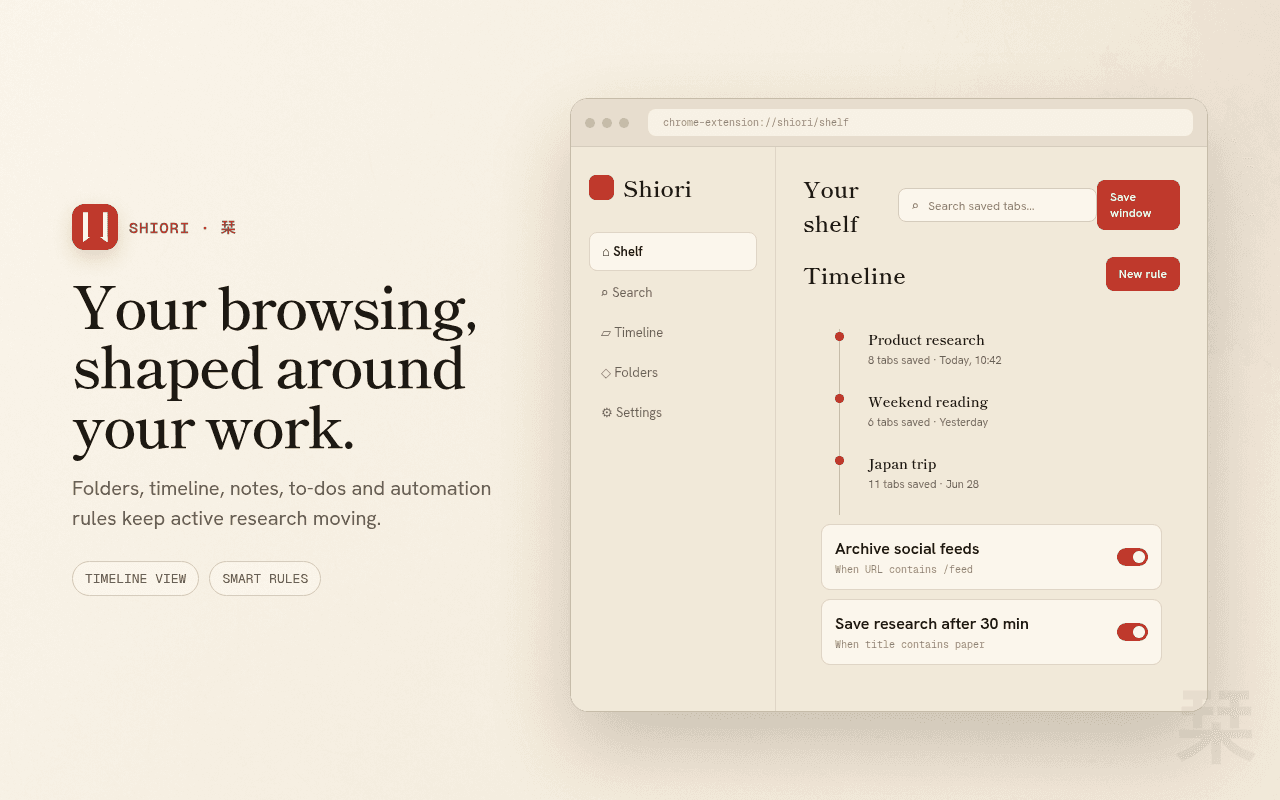
Tabs that tidy themselves
A timeline view shows your saved sessions across time, and automation rules auto-save or close tabs matching a pattern — immediately or after a delay you choose.
- Timeline view of saved sessions
- Auto-save or close by URL pattern
- Delayed rules for tabs you might still need
Your tabs are nobody's business
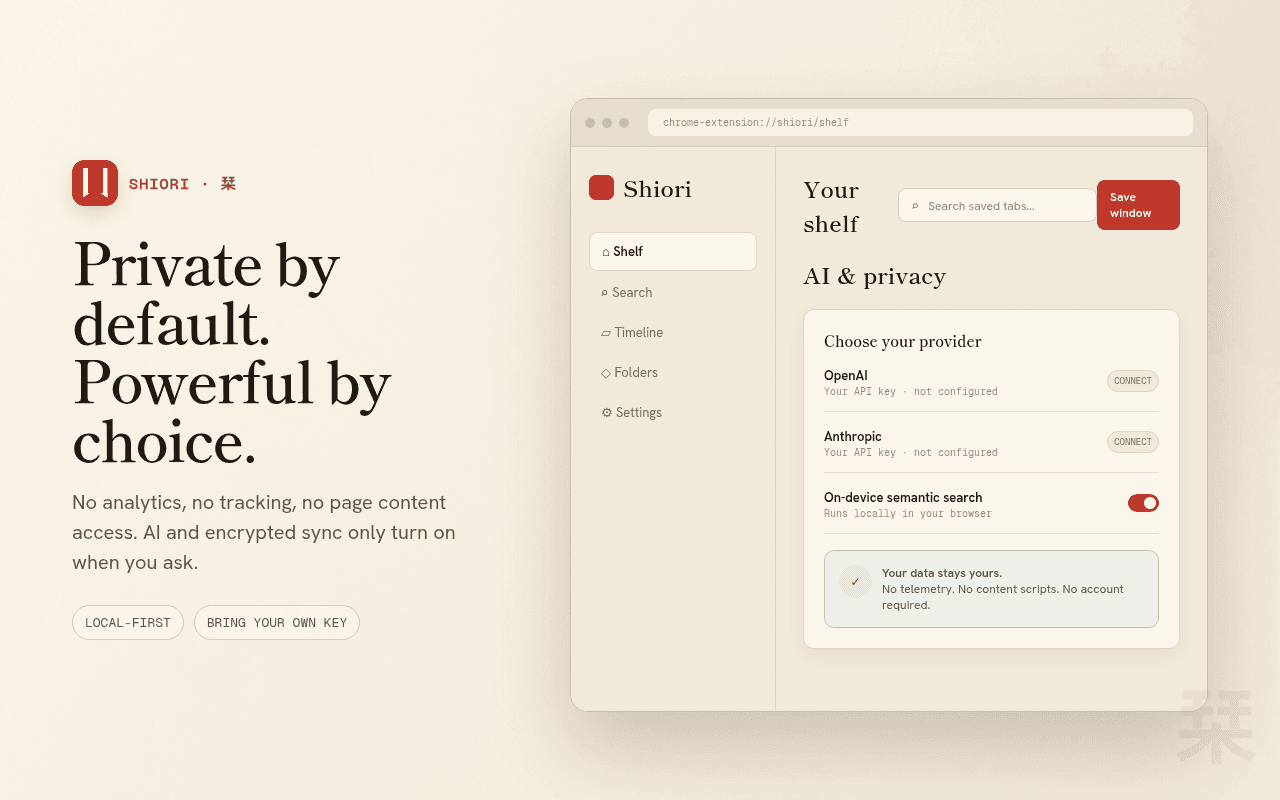
Everything lives on your device — no account, no analytics, no content scripts. AI summaries and auto-grouping are strictly opt-in with your own key, and export to Markdown, Notion, or Obsidian keeps your data portable.
- Local-first, no telemetry, no tracking
- Optional AI with your own API key
- Markdown, Notion & Obsidian export + JSON backup
The details that make Shiori feel like Shiori
Save & free memory
Whole window saved and closed in one click.
Side panel shelf
Sessions beside the page you're on.
Semantic search
Find tabs by meaning, computed on-device.
Automation rules
Auto-save or close tabs by pattern.
Markdown & Obsidian
Export sessions to your notes vault.
Timeline view
Your saved sessions, laid out in time.
Shiori, up close
Not a policy summary. The actual behaviour.
Local-first: no analytics, no telemetry, no tracking.
No access to the pages you browse — Shiori has no content scripts.
Data leaves your device only if you enable optional AI (to your provider) or sync.
Asked, answered
Shiori stores every tab's title, URL, and favicon as a group, then closes the tabs to free memory. Restore the group — or a single tab — anytime.